Stats

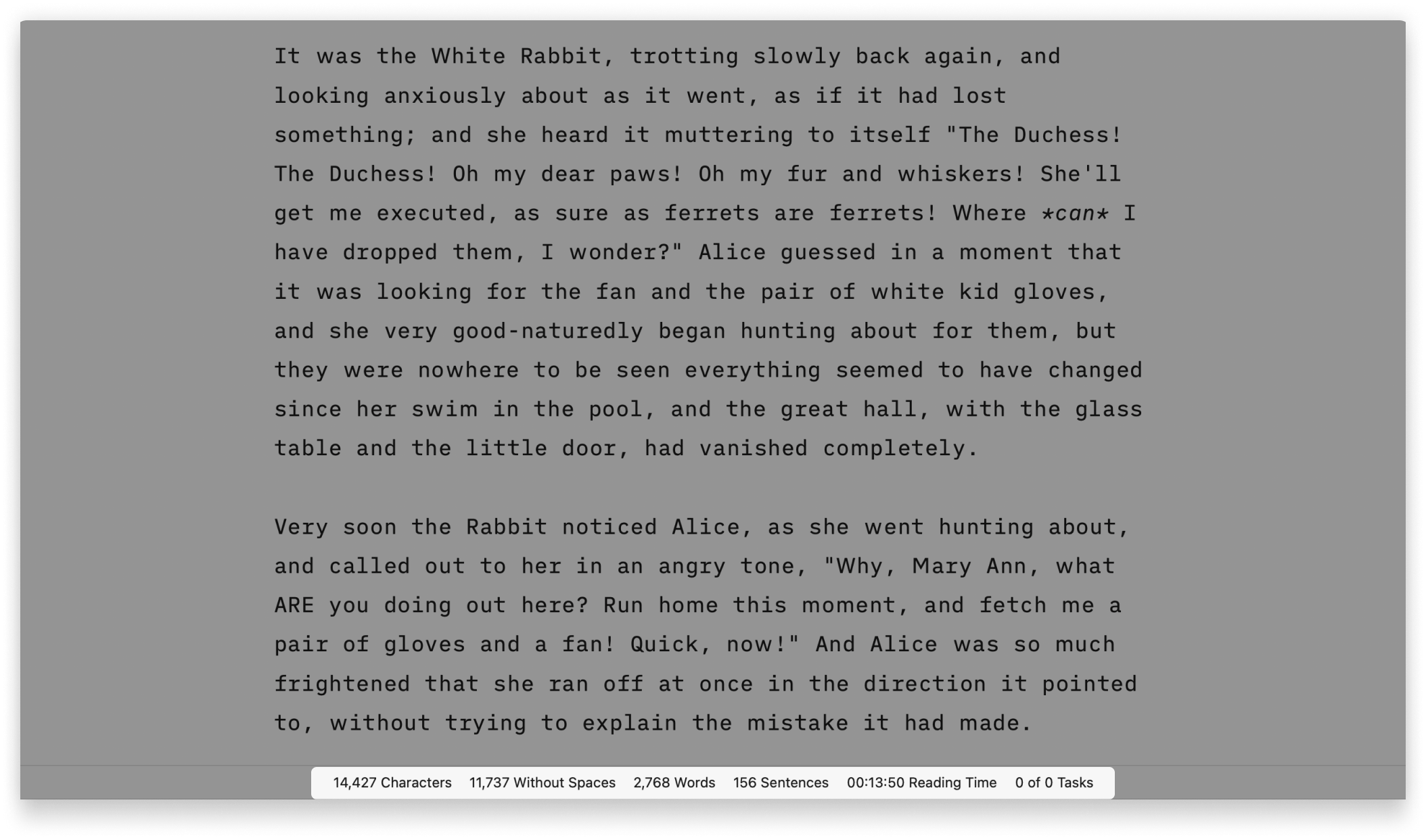
iA Writer for Mac provides comprehensive statistics on your document, including character, sentence or task counts, and estimated reading time.
These comprehensive statistics will help you monitor your writing progress, which is particularly valuable for writers paid per word, or those eager to take part in writing challenges like the ones from NYC Midnight.
How To Display The Stats
The document's stats are displayed in the Toolbar found at the bottom of the Editor. The Toolbar has three possible states:
- Fade In/Out
- Always Show
- Hide
If you do not see the Toolbar on the Editor, go change its settings in the menu View → Toolbar
In the same menu View, you can choose how to display the stats in the Toolbar: either on the right corner (Default), or having the Toolbar filled with Stats Only.
Default
The statistics will appear in the right corner of the Toolbar, along with the regular quick actions (bold, headings, tables, etc.). Among the various options for stats, only one will be visible.

If you want to switch the displayed stat, simply click on the currently shown one to expand a list of other available stats. Then, click on the desired stat to have it displayed at all times.

Stats Only
If you select Stats Only instead of Default, the whole toolbar will be used to display the statistics

If you do not want to see all the statistics, right-click anywhere in the Toolbar, and hover over Stats Only > to show the list of available options. Select the stats you want to see and deselect those you'd like to hide.

Text Selection
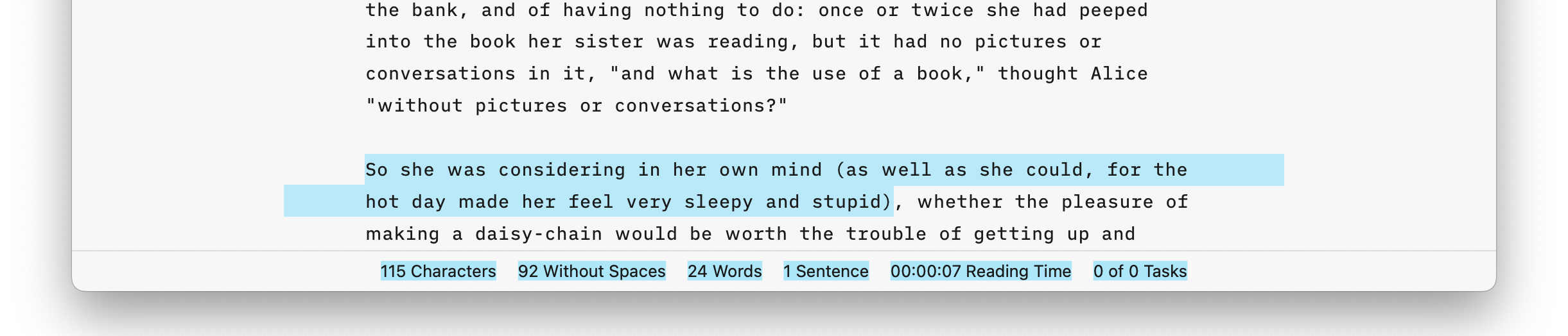
The statistics adapt to the selected text. If no text is selected, the stats for the entire document will be displayed. When text is selected, the stats specifically for that selection will be shown.
 Editor
Authorship
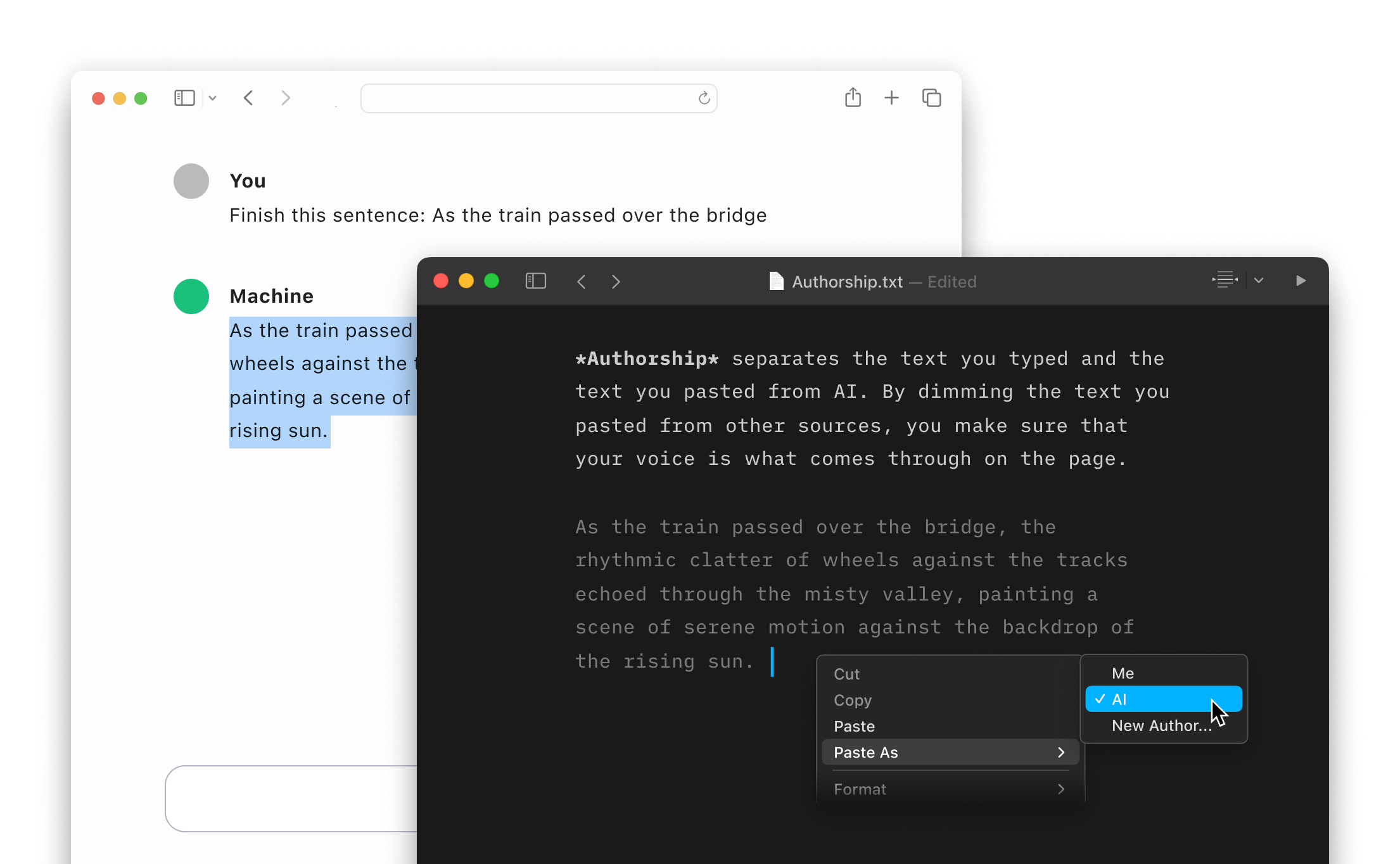
Highlight the text you craft yourself and keep track of your sources, artificial or natural.
Focus Mode
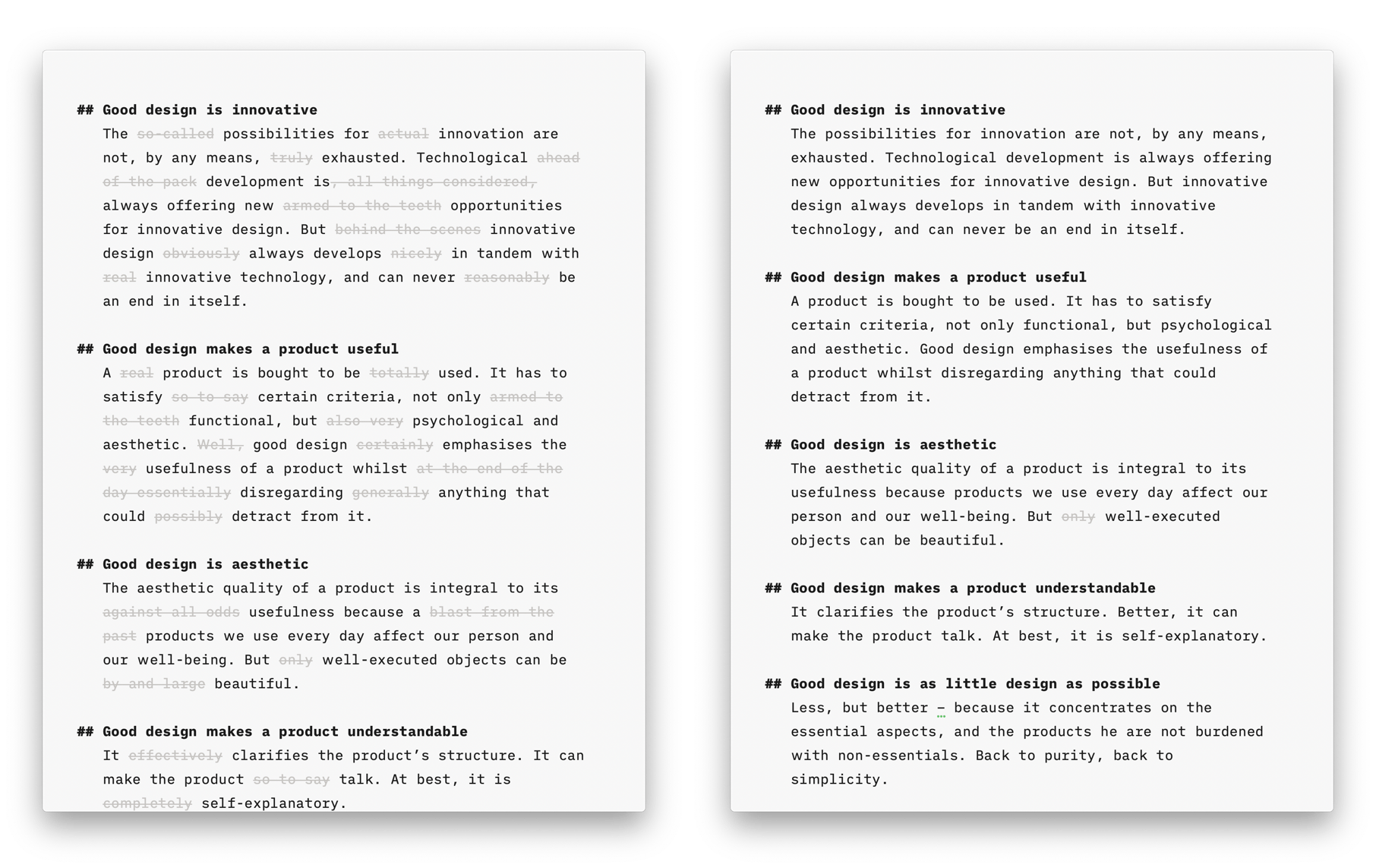
Style Check
A personal editor-in-chief on your device, carefully reviewing your text for redundancies, clichés, and filler words.
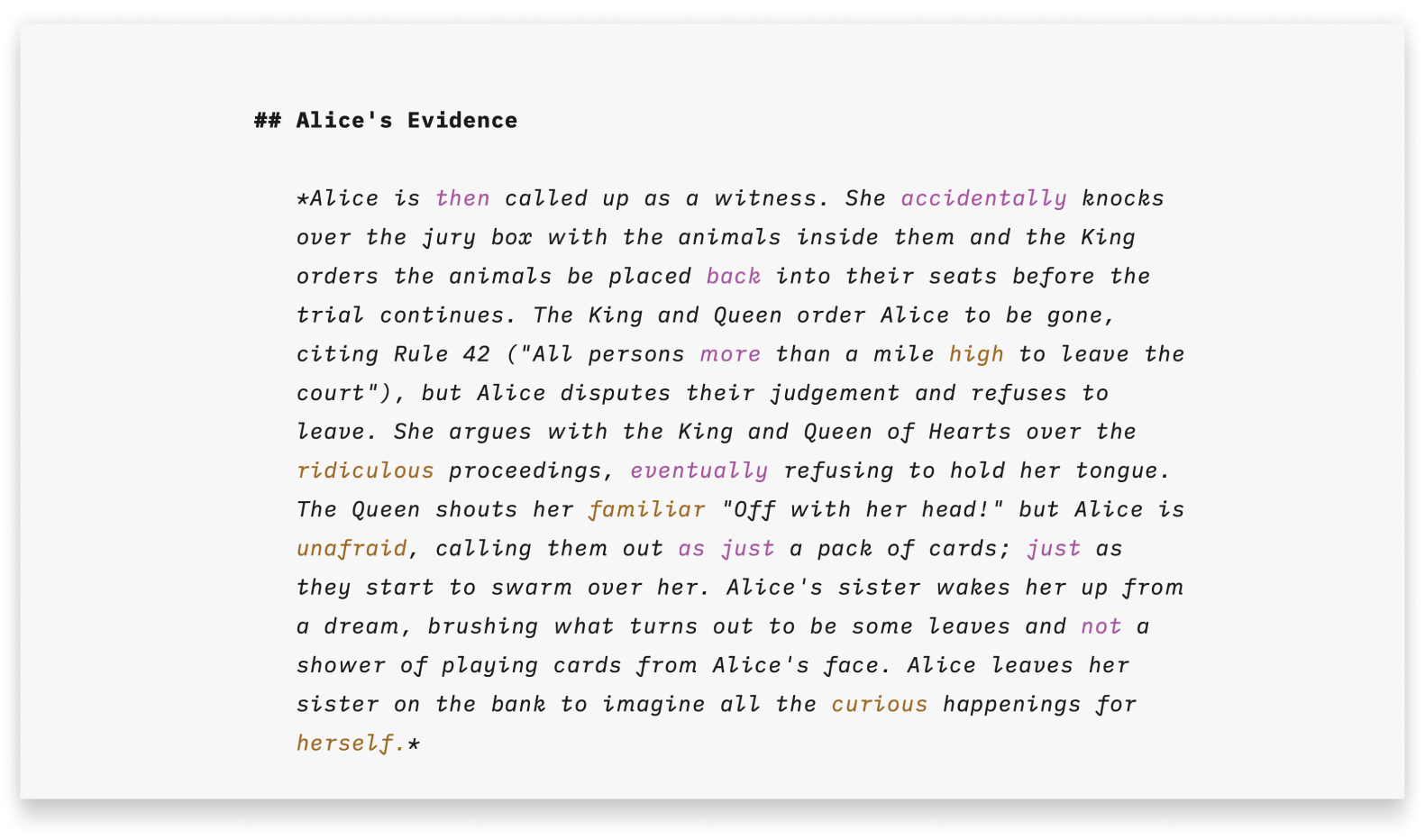
Syntax Highlight
A more structured view of your document will help you improve your writing style.

Metadata
A simple key-value format for storing additional information about a document, only visible in the Editor.
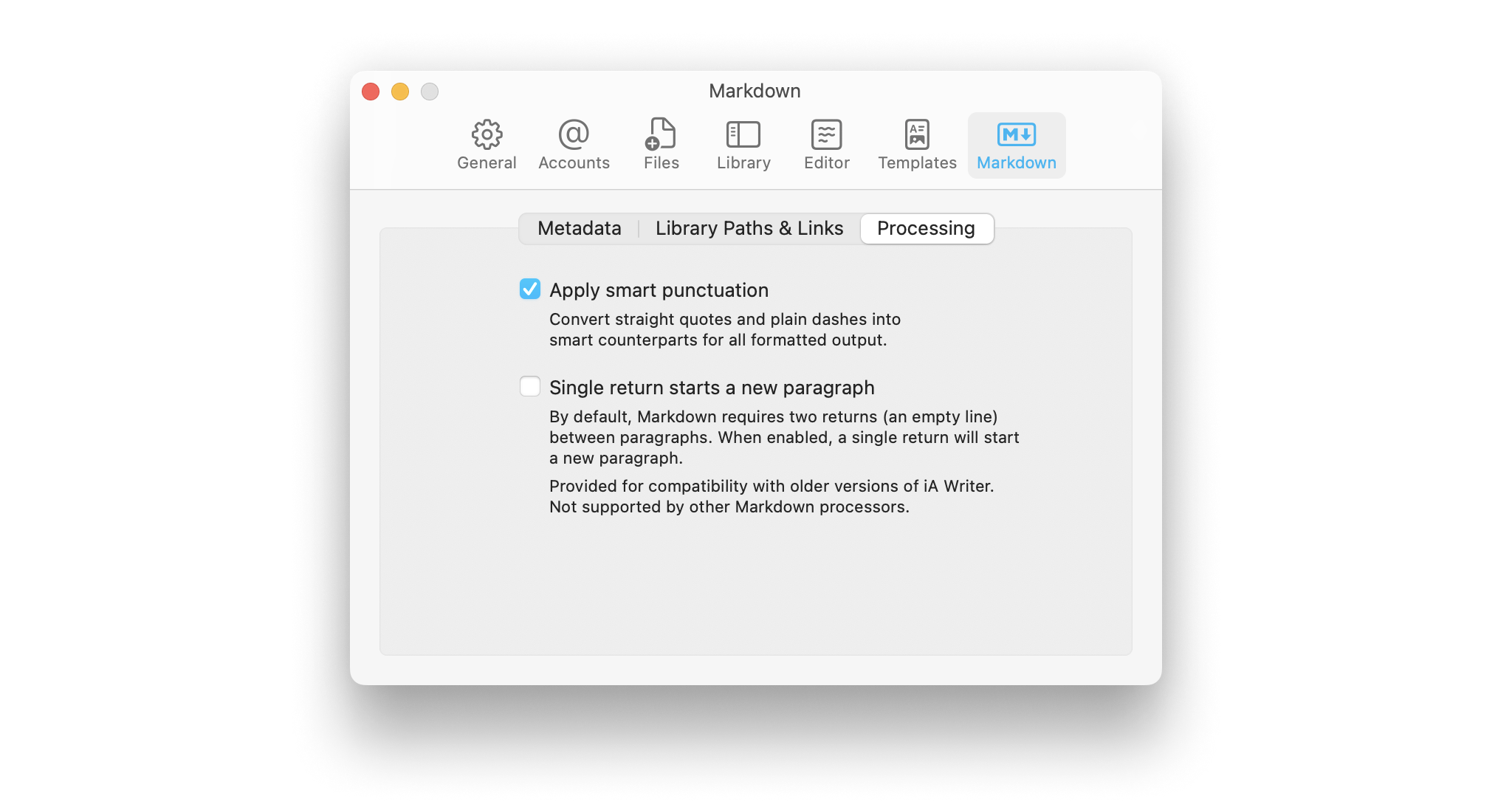
Smart Automation
Auto text completion and transformation: focus on your writing, without getting bogged down by minor details.