Navigate Your Files
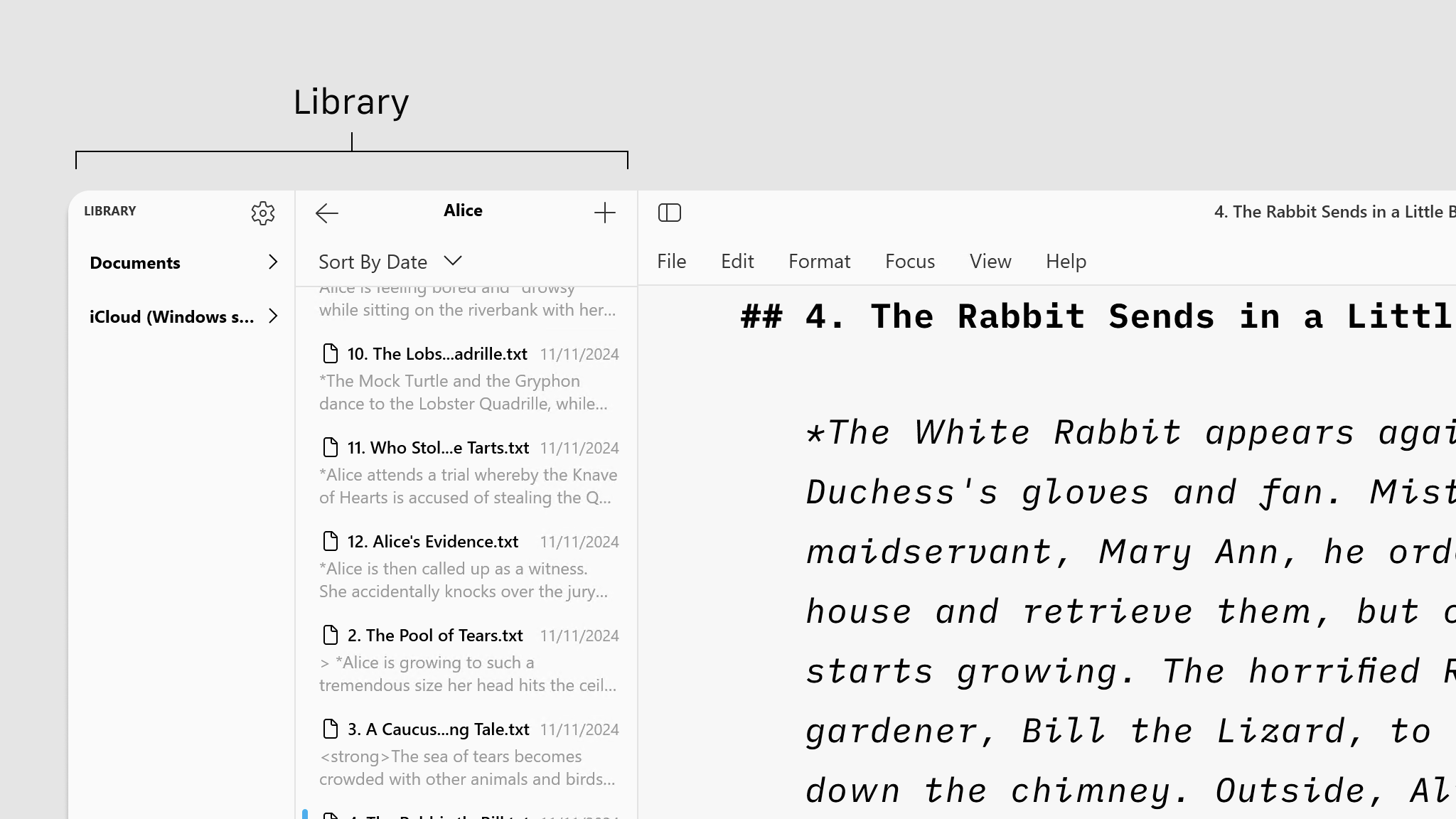
File management in Writer will be done mostly within the File list of your Library.
Files Location
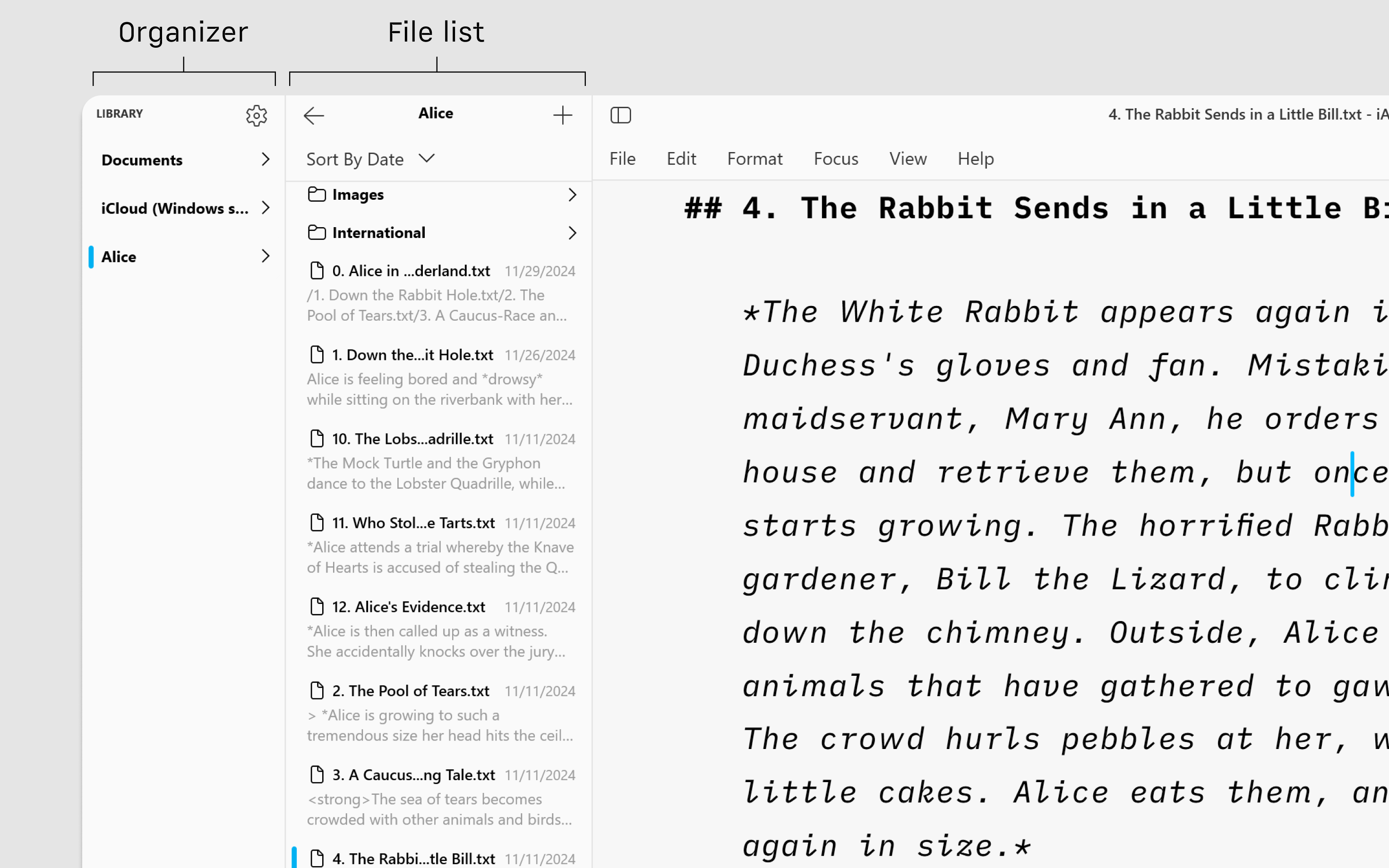
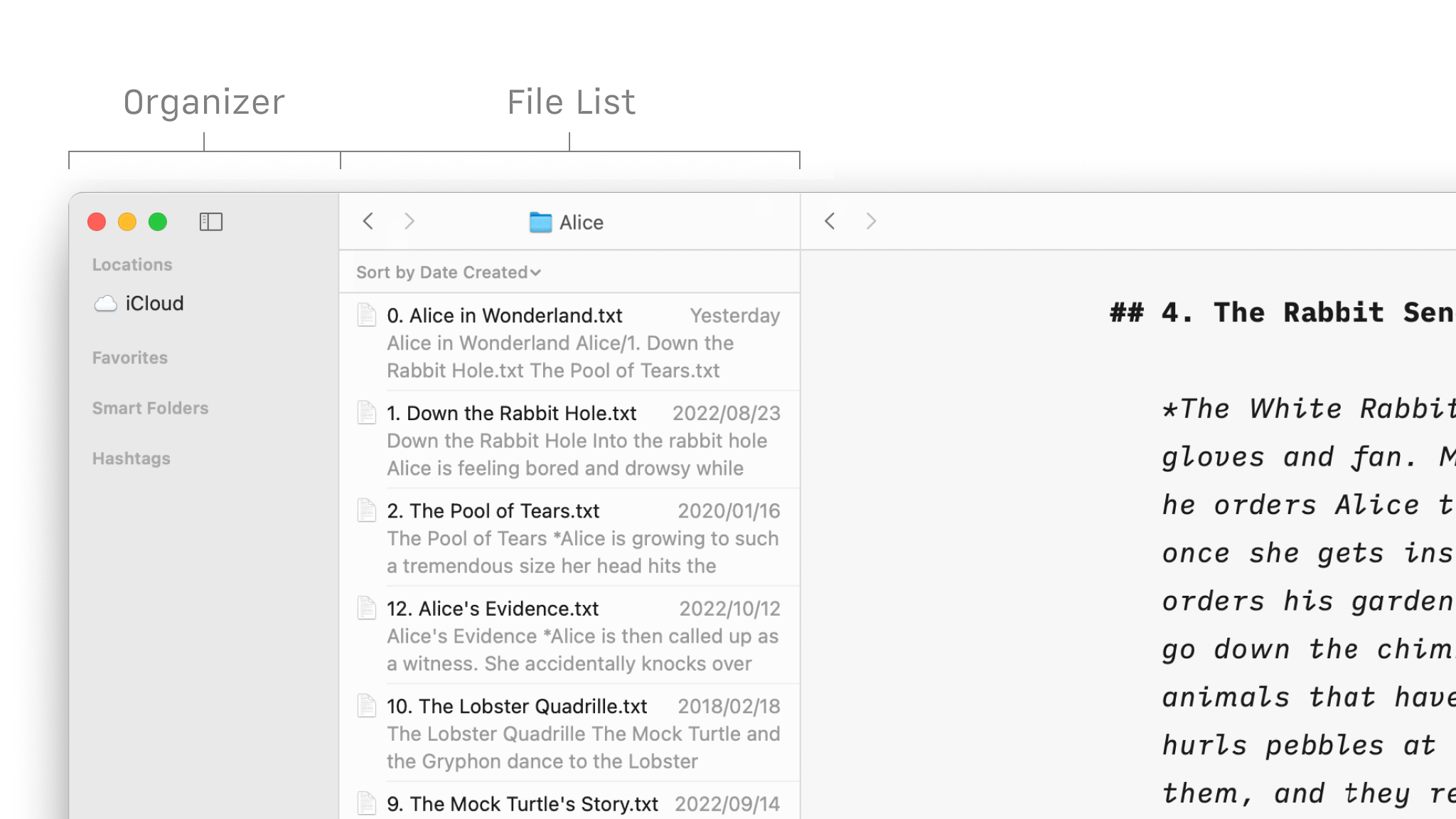
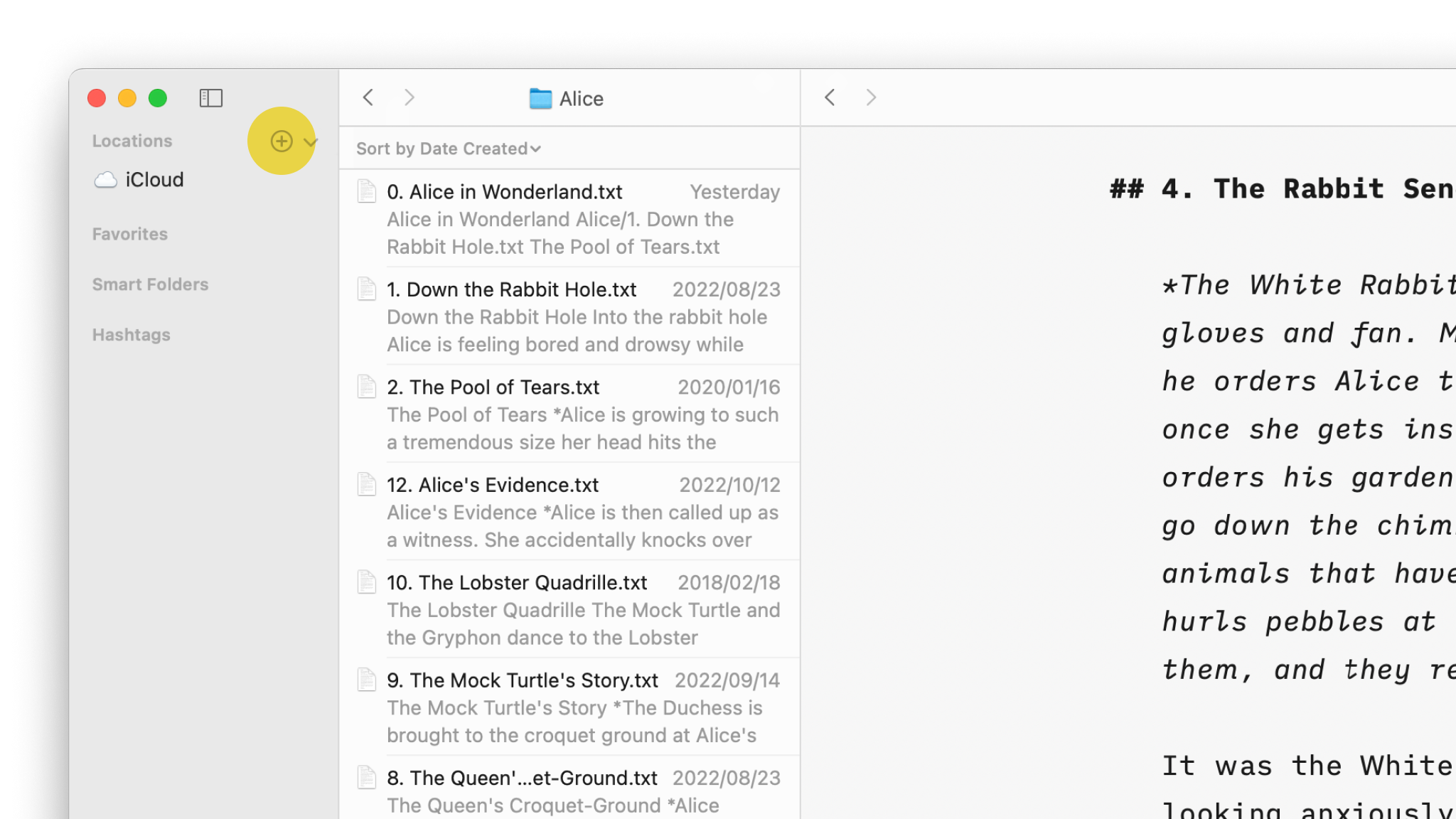
In the Library, the File List shows all folders and files stored in the selected Location from the Organizer (the folder "Alice" in the example below). You can:
- Click on a folder to display its contents in the list
- Click on a document to open it in the Editor
- Right-click on a document to display a contextual menu (to rename, delete, duplicate, favorite…)
Sort By
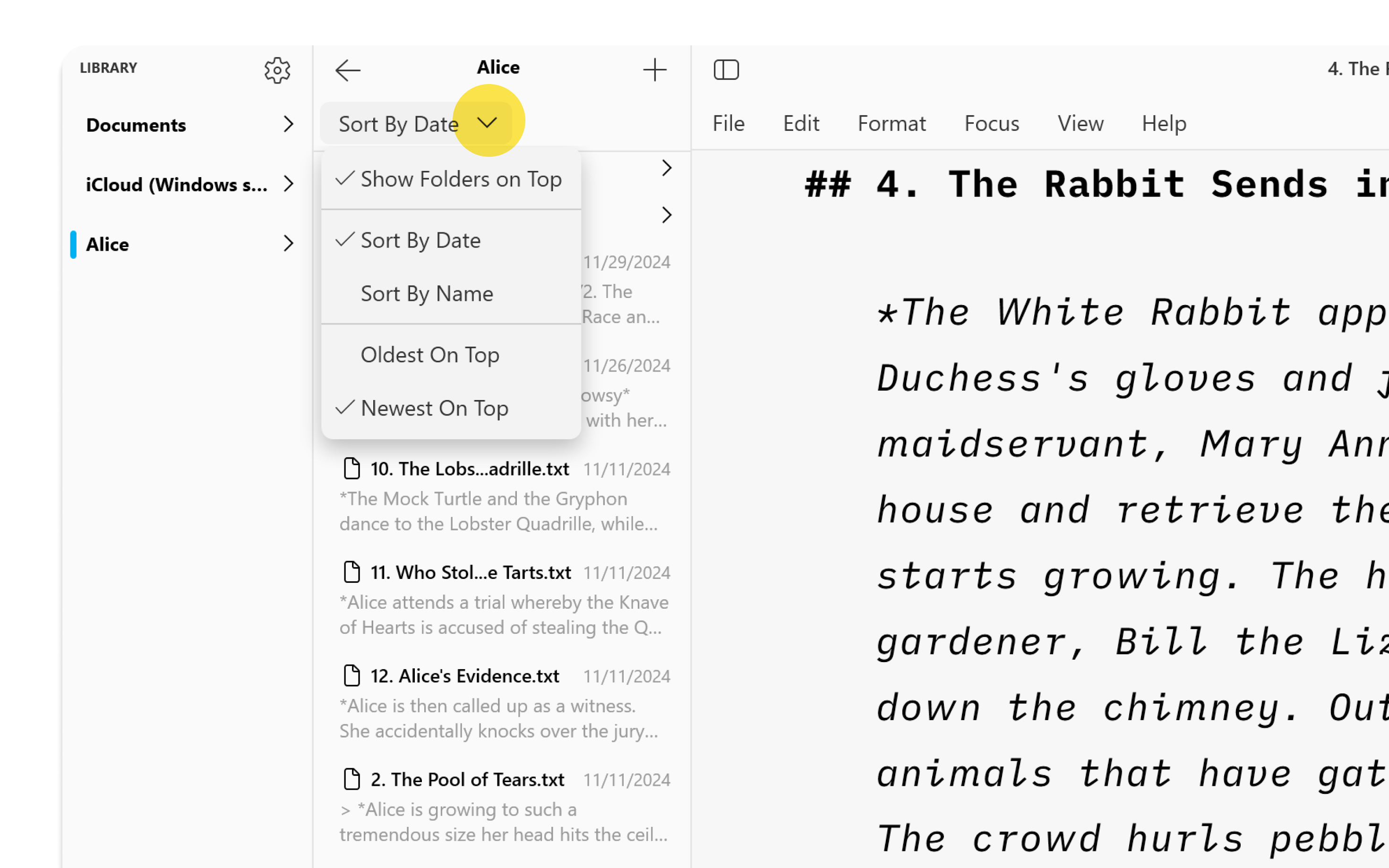
At the top of the File List is a Sort Bar which allows you to sort folders and files by Name or Date.
Focused Outline
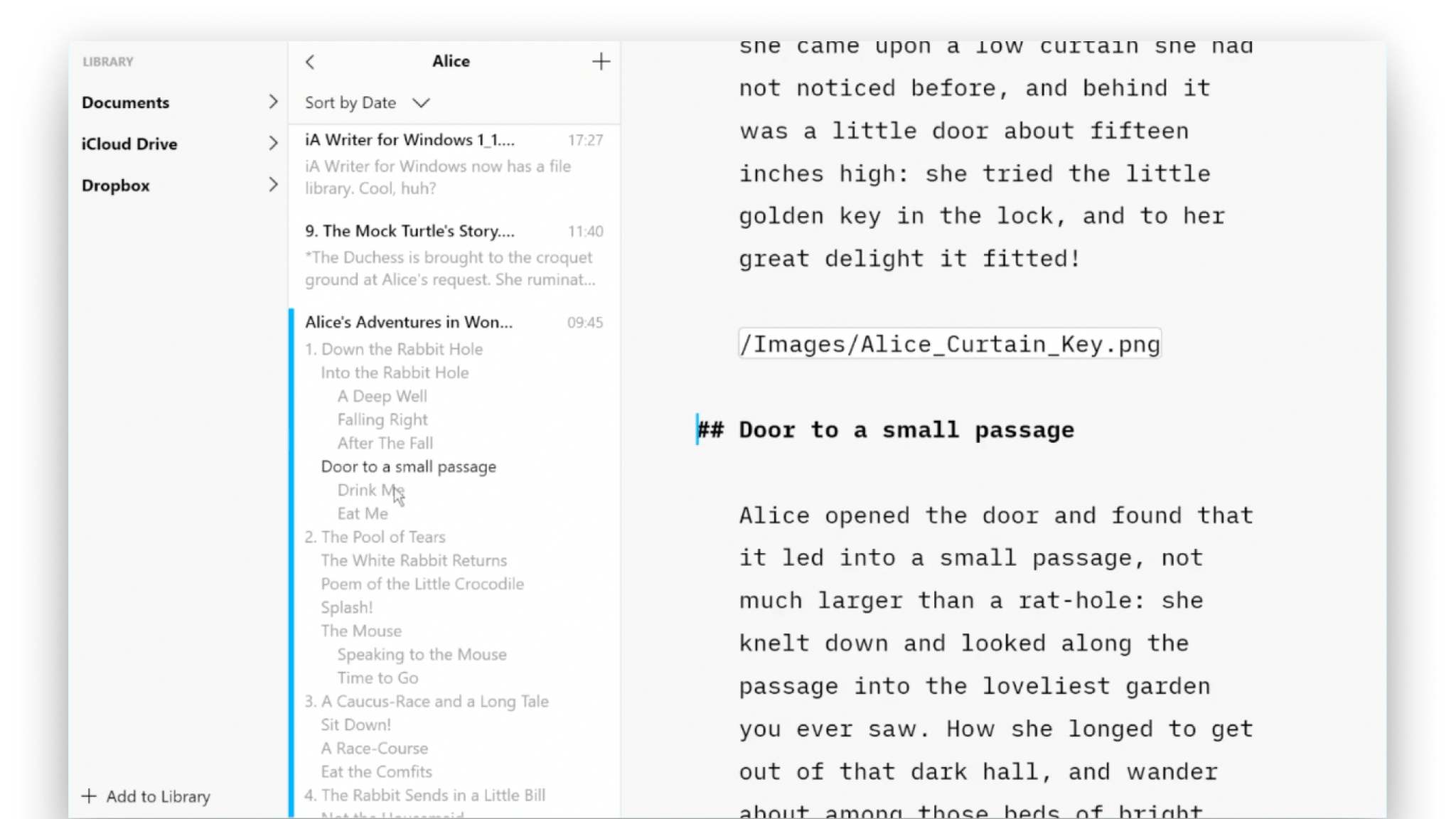
Exclusive to iA Writer for Windows, Focus Outline shows you the headings as an outline of the entire document.
Click any heading in the Outline to jump to that section of the document in the Editor.
Just like Focus Mode, only the section of the document you are editing is highlighted in the Outline, so you always know exactly where you are.
Library Preferences
Access these in File → Settings → Library. Here you can:
- Choose how to sort the files
- Choose whether to pin folders to the top of the list
- Show or hide file extensions in the list

 Library
Organize Your Files
Folders, favourites, hashtags and more, discover all the ways to organize your documents in Writer.
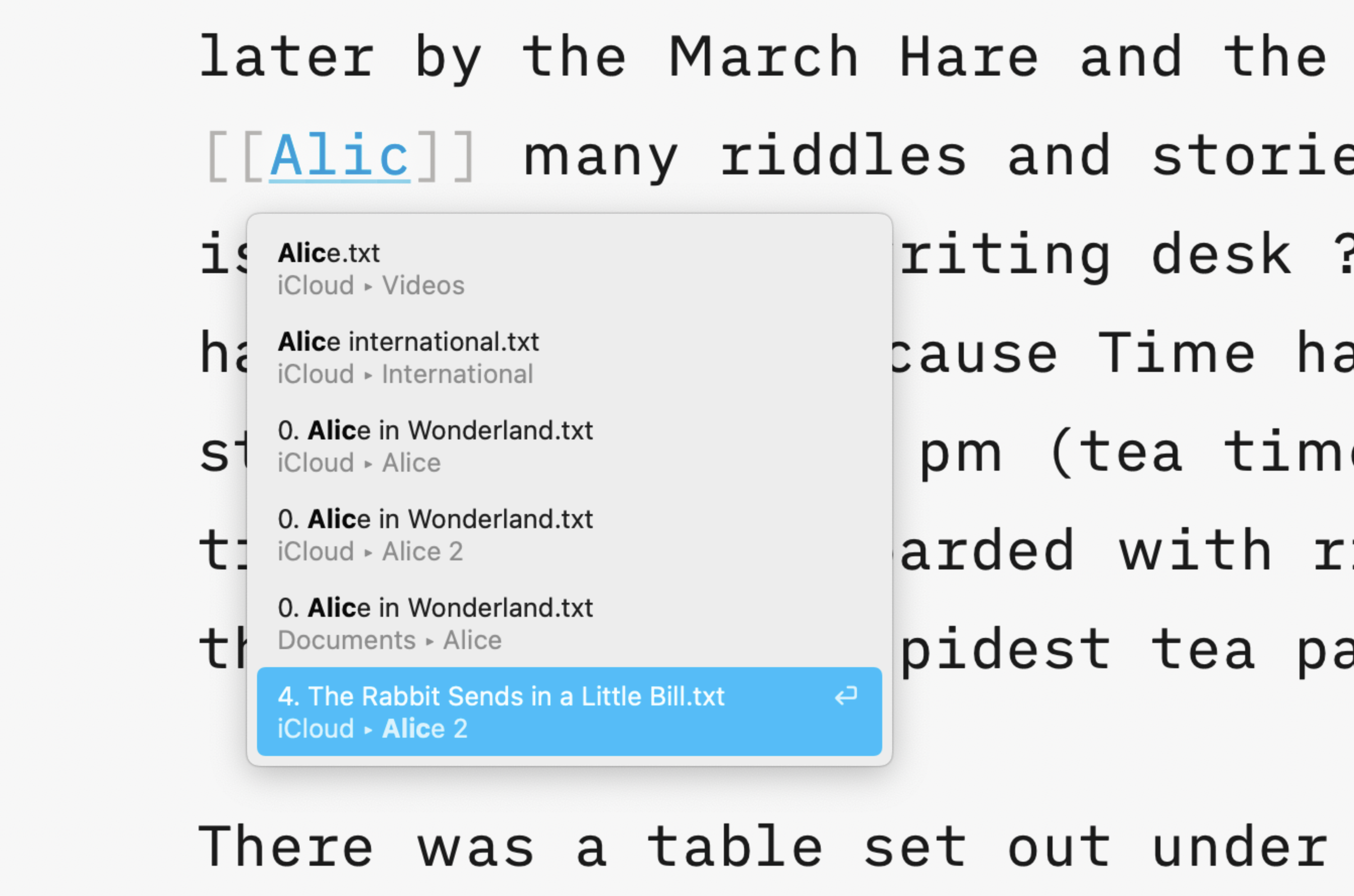
Wikilinks
Connect, browse, and rediscover your writing.
Cloud Storage
Having access to your documents on multiple devices makes life easier.

Content Blocks
Include images, comma separated tables, text files and code as blocks of content in your documents.
Outline
Writer for Windows comes with two powerful features for working with long or complex documents.