Shortcuts

On iA Writer for Android, you can use keyboard shortcuts to quickly navigate and edit your document.
These can be roughly divided into the following categories:
[table_of_contents_android]
Caret Positioning
| Key Combo | Function |
|---|---|
| ← | Previous character |
| → | Next character |
| ↑ | Previous line |
| ↓ | Next line |
| Fn+← | Go to start of line |
| Fn+→ | Go to end of line |
| Ctrl+← | Go to previous word |
| Ctrl+→ | Go to next word |
| Ctrl+↑ | Go to previous paragraph |
| Ctrl+↓ | Go to next paragraph |
Note: All commands above can function in combination with Shift to select text between the caret's origin and the target positions.
Text Manipulation
| Key Combo | Function |
|---|---|
| Ctrl+C | Copy |
| Ctrl+X | Cut |
| Ctrl+V | Paste |
| Ctrl+A | Select all |
| Ctrl+Z | Undo |
| Ctrl+Shift+Z | Redo |
| Ctrl+B | Bold |
| Ctrl+I | Italic |
| Ctrl+- | Strikethrough |
| Ctrl+[1-6] | H1 through H6 |
| Tab | Insert four spaces |
| Shift+Enter | Add two spaces and a newline ( |
| Ctrl+Backspace | Delete word to the left of cursor |
User Interface Control
| Key Combo | Function |
|---|---|
| Esc | Show Menu |
 Basics
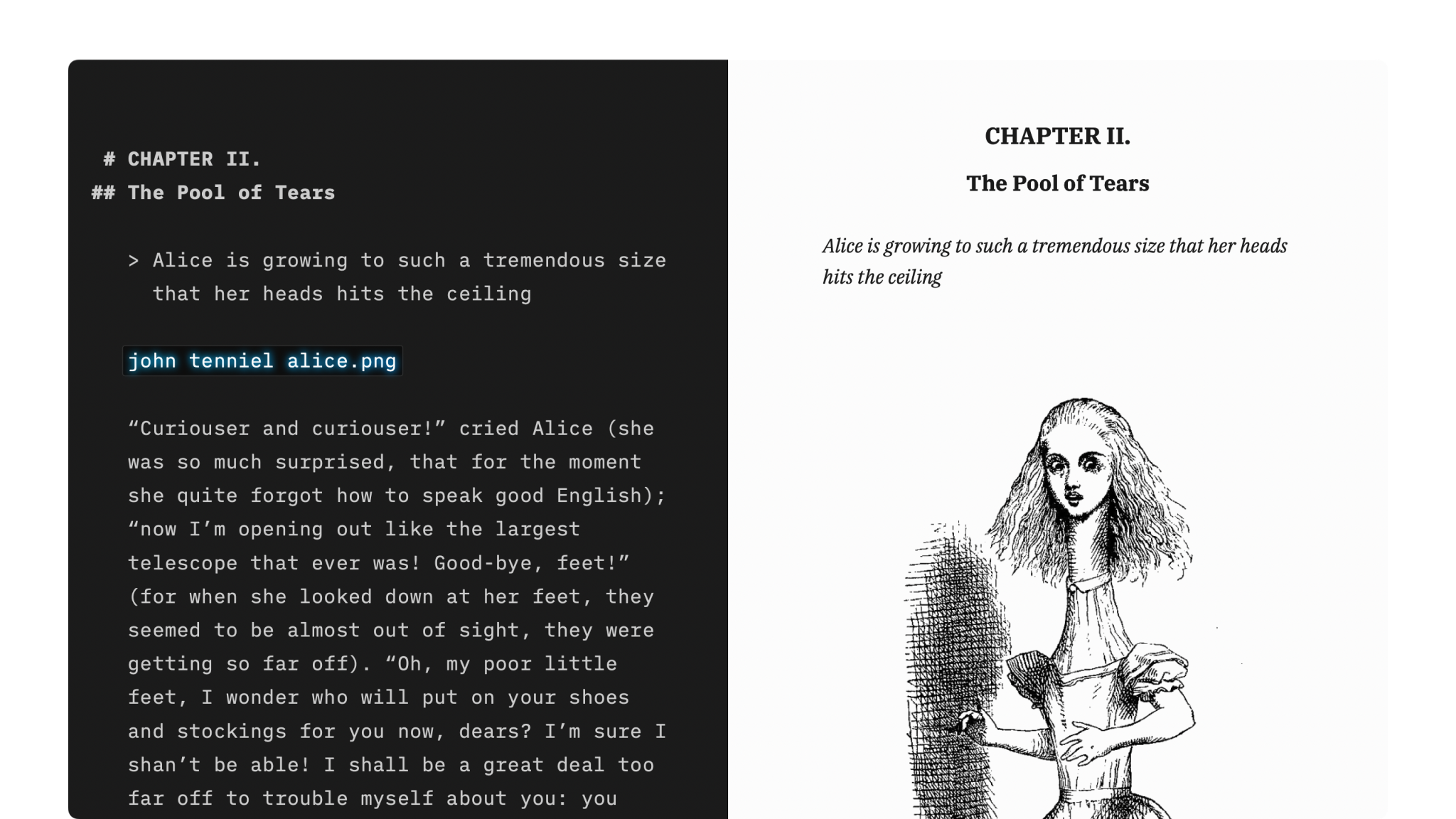
Markdown Guide
How to apply basic formatting in iA Writer simply by adding a few punctuation characters.

Features
An overview of iA Writer’s features on Mac, iPhone, iPad and Windows.
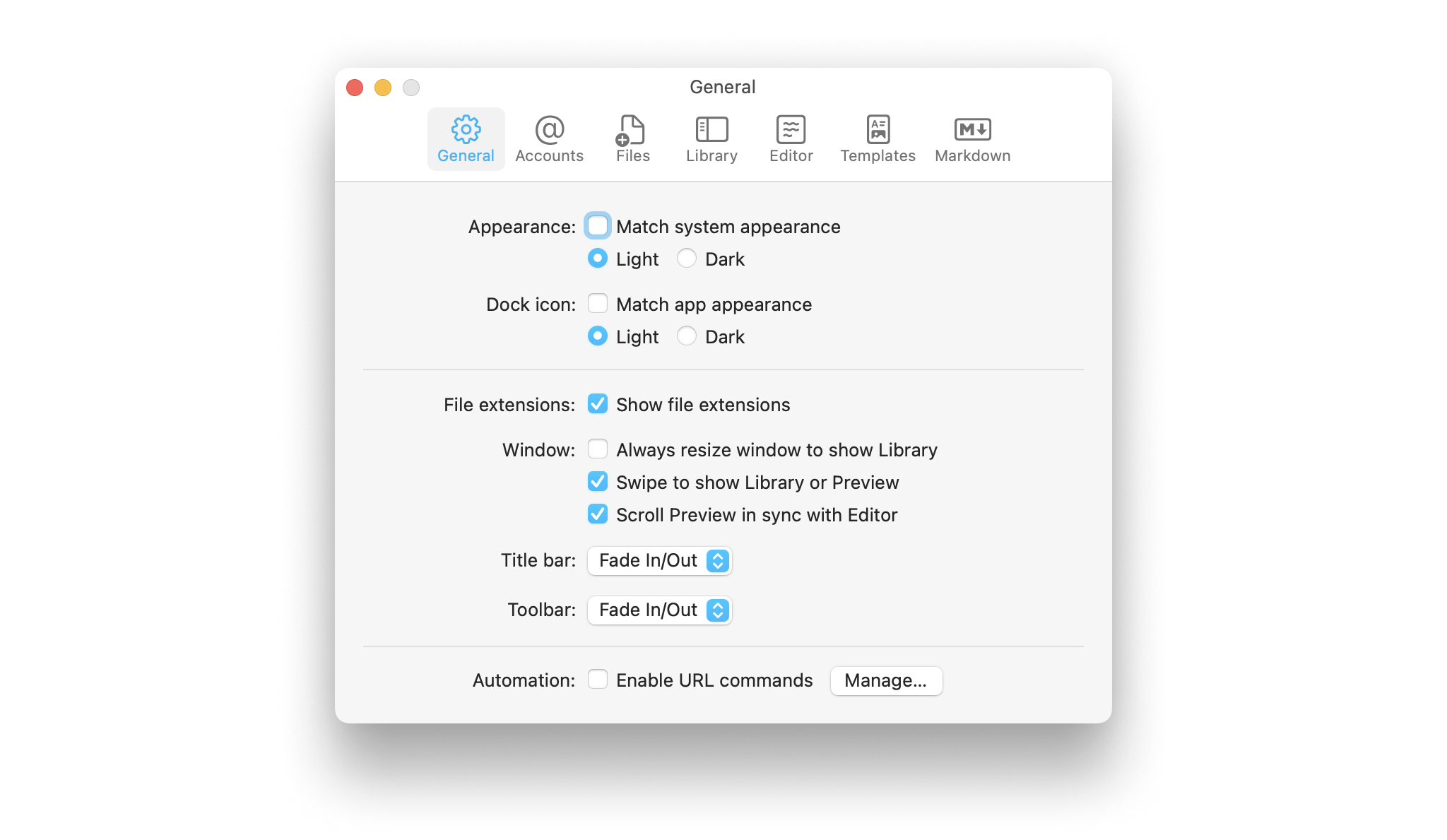
Settings
Learn how to tweak iA Writer’s settings to suit your needs.
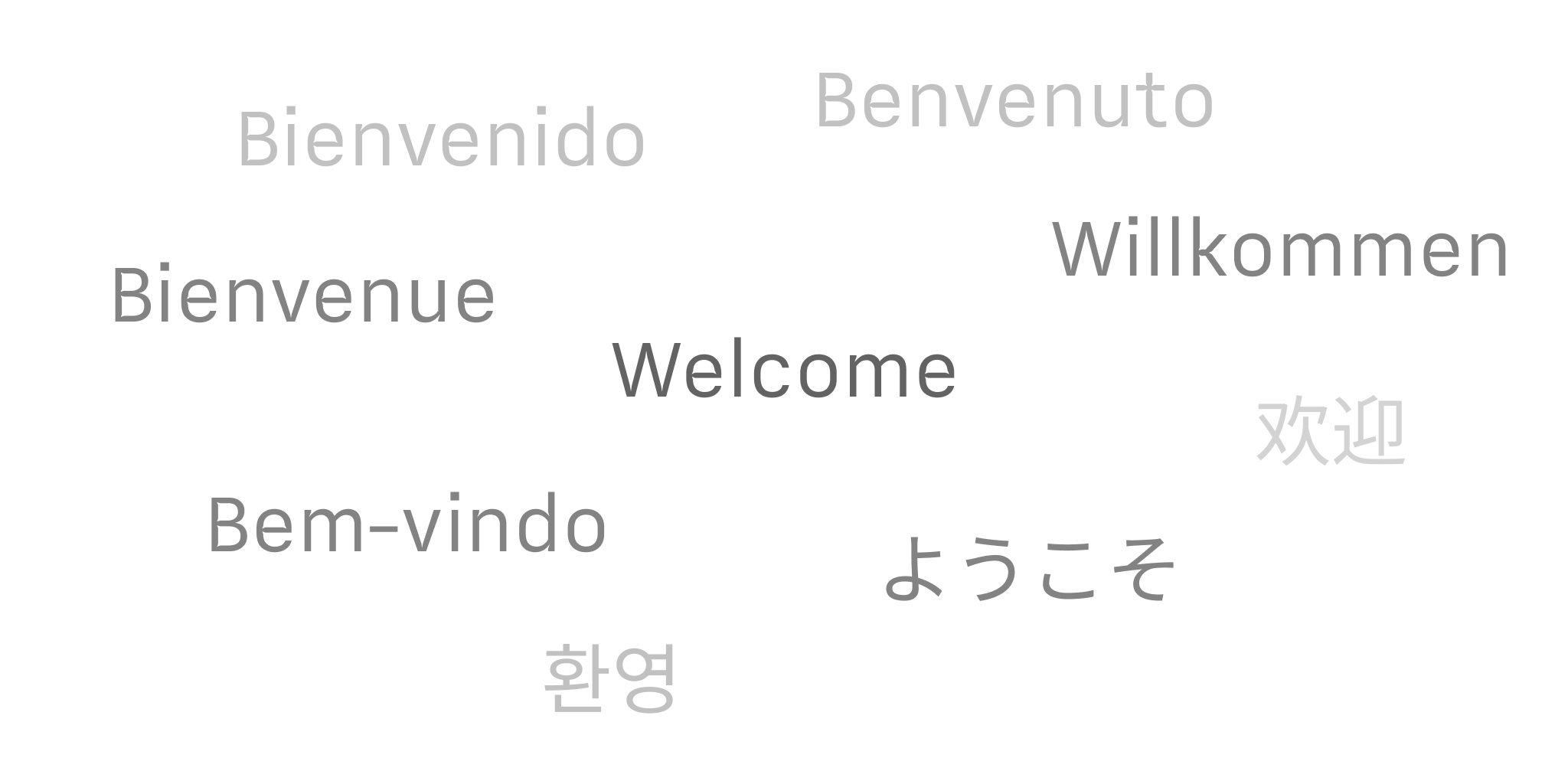
Languages
Learn which languages iA Writer supports across its platforms, including spellcheck, Syntax Highlight and Style Check.

Apple Shortcuts
Shortcuts are a powerful automation tool that saves time and helps you focus on writing by avoiding repetitive busywork.