Metadata
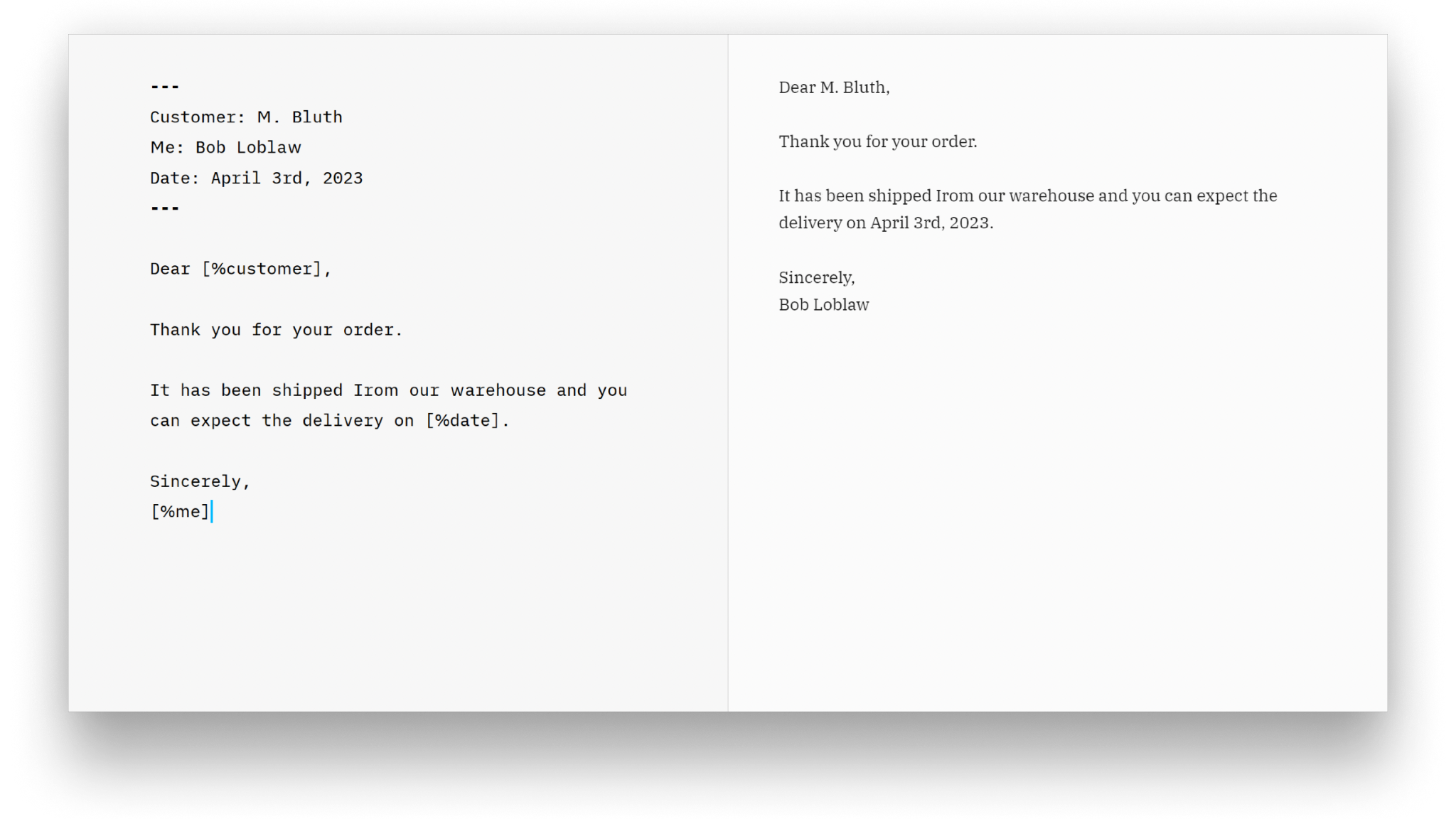
On Windows, metadata keys can be used as variables in text. Metadata refers to additional information about the content of a document, beyond the actual text, and helps describe or organize the document
The metadata will be automatically substituted for Export and in Preview. An example use of metadata would be for building correspondence templates.

Writer supports metadata at the very top of your document, followed by an empty line. Metadata must be separated from the rest of the document by three dashes (top and bottom).
---
Customer: M. Bluth
Me: Bob Loblaw
Date: April 3rd, 2023
---
You can then use the metadata in the text by putting it in [brackets] and adding a % sign.
Sincerely,
[%me]
Enabling Metadata Processing
To see metadata variables rendered in Preview or in printed/exported documents, Process Metadeta needs to be enabled in Preferences → Advanced:

Once the setting has been enabled please restart iA Writer. Similarly if you disable this setting a restart is required for it to take effect.
 Editor
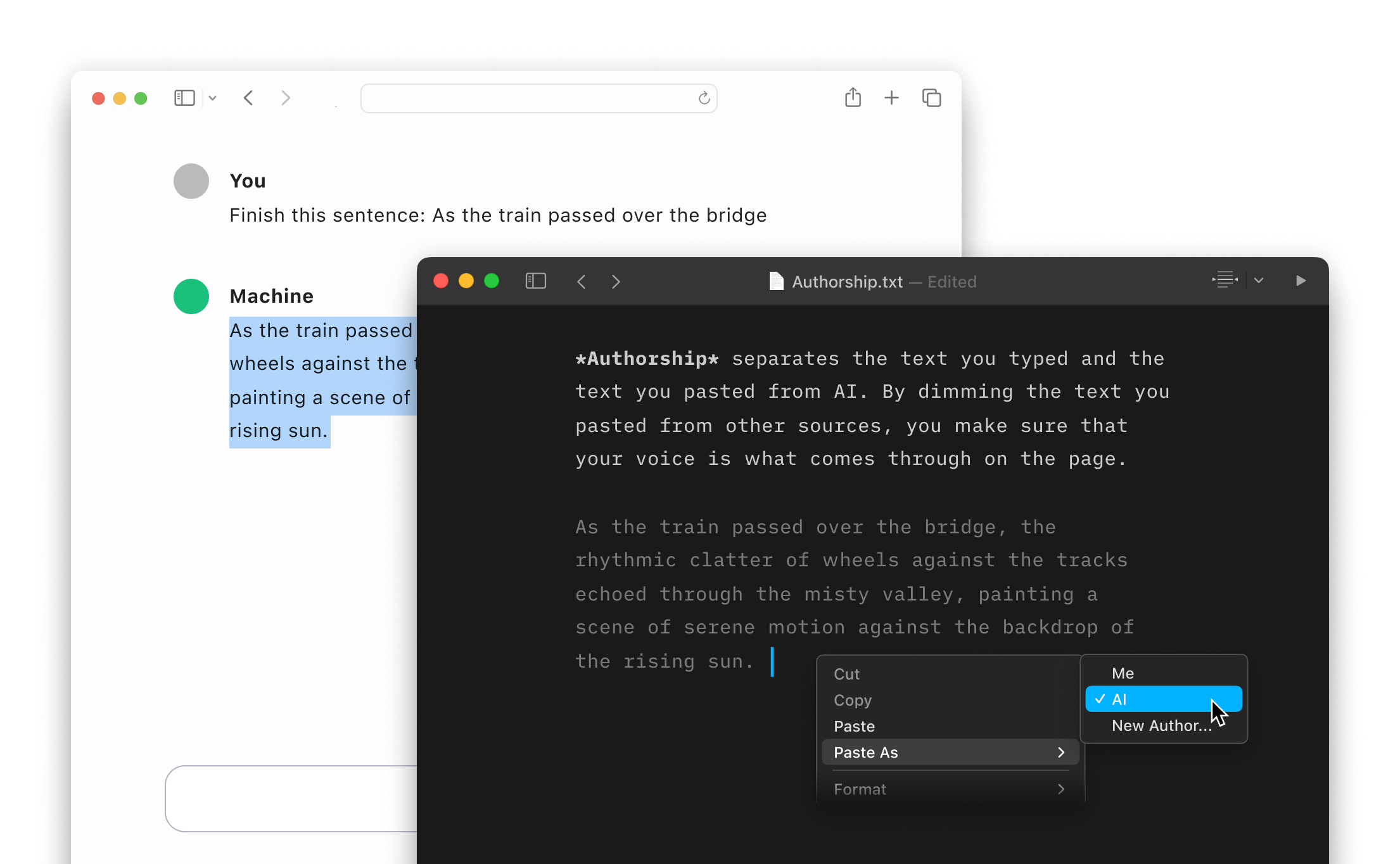
Authorship
Highlight the text you craft yourself and keep track of your sources, artificial or natural.
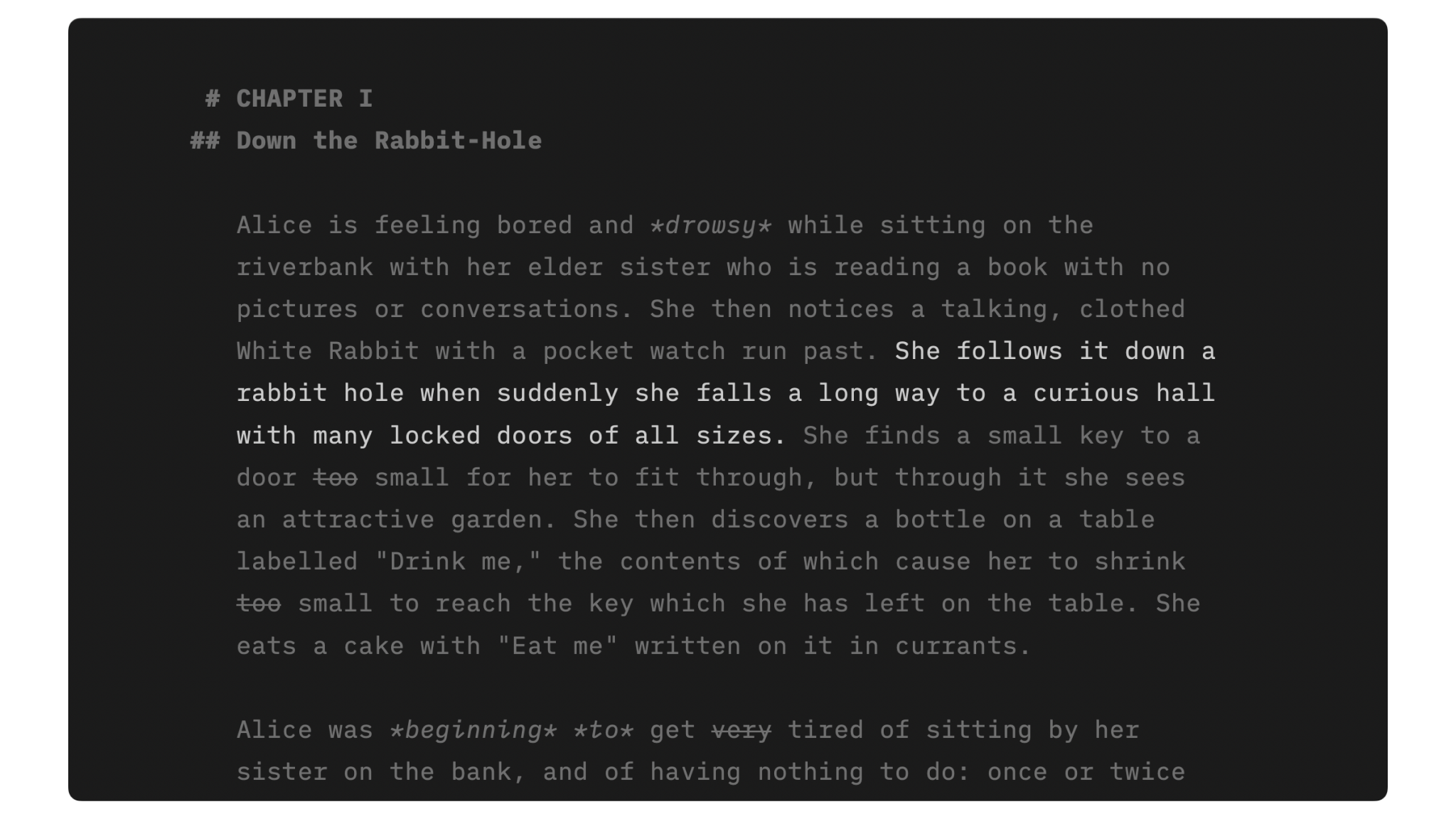
Focus Mode
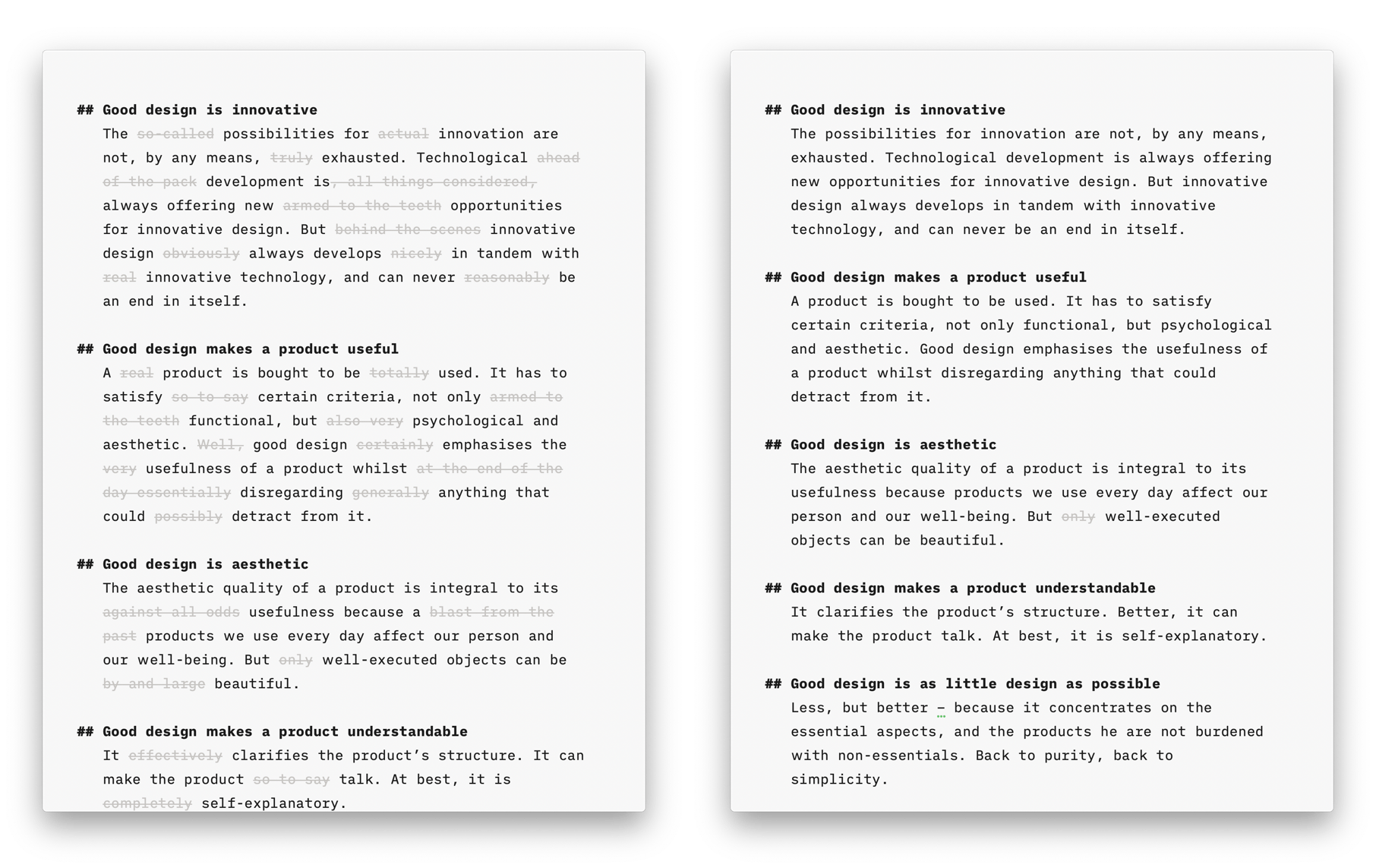
Style Check
A personal editor-in-chief on your device, carefully reviewing your text for redundancies, clichés, and filler words.
Syntax Highlight
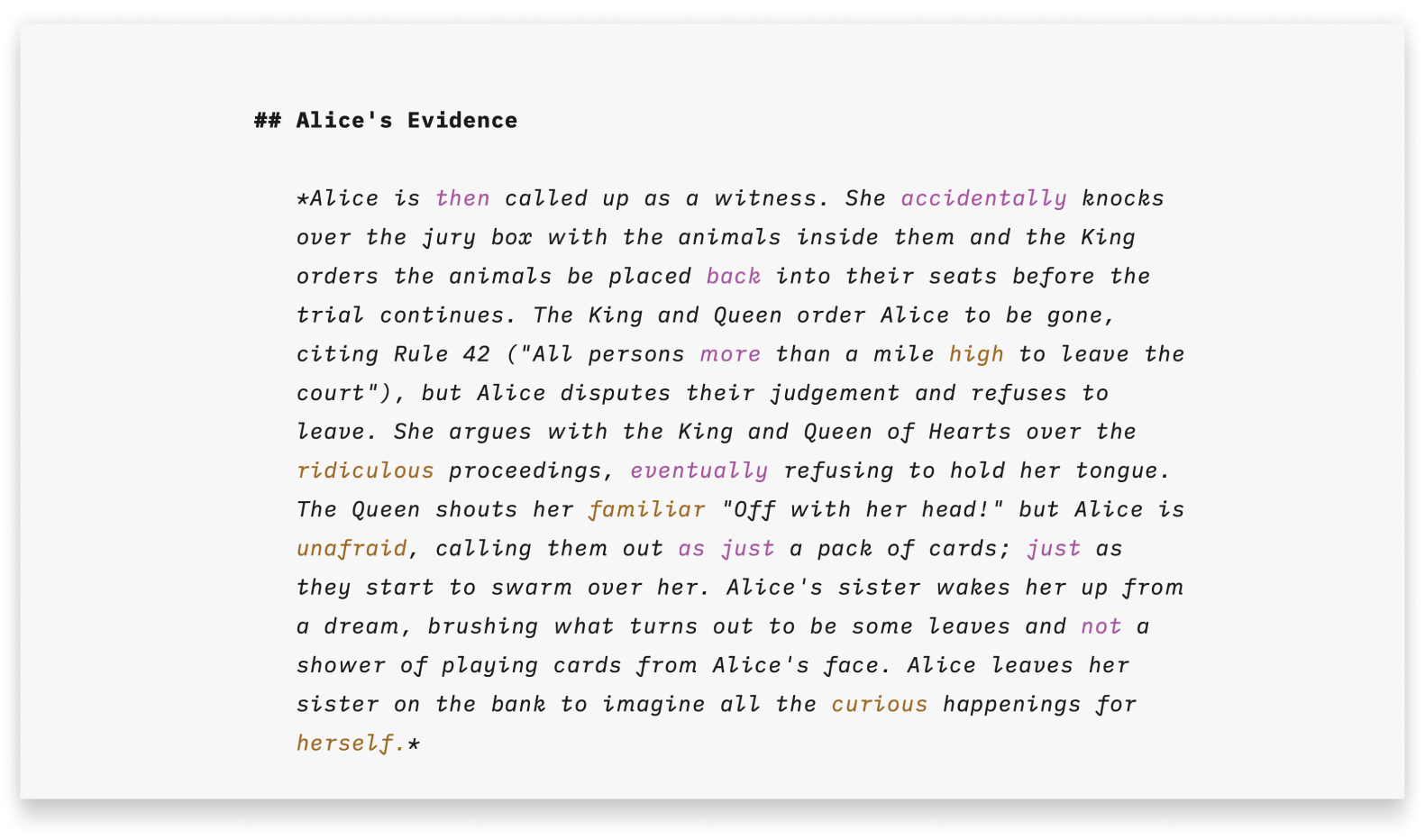
A more structured view of your document will help you improve your writing style.
Stats
Smart Automation
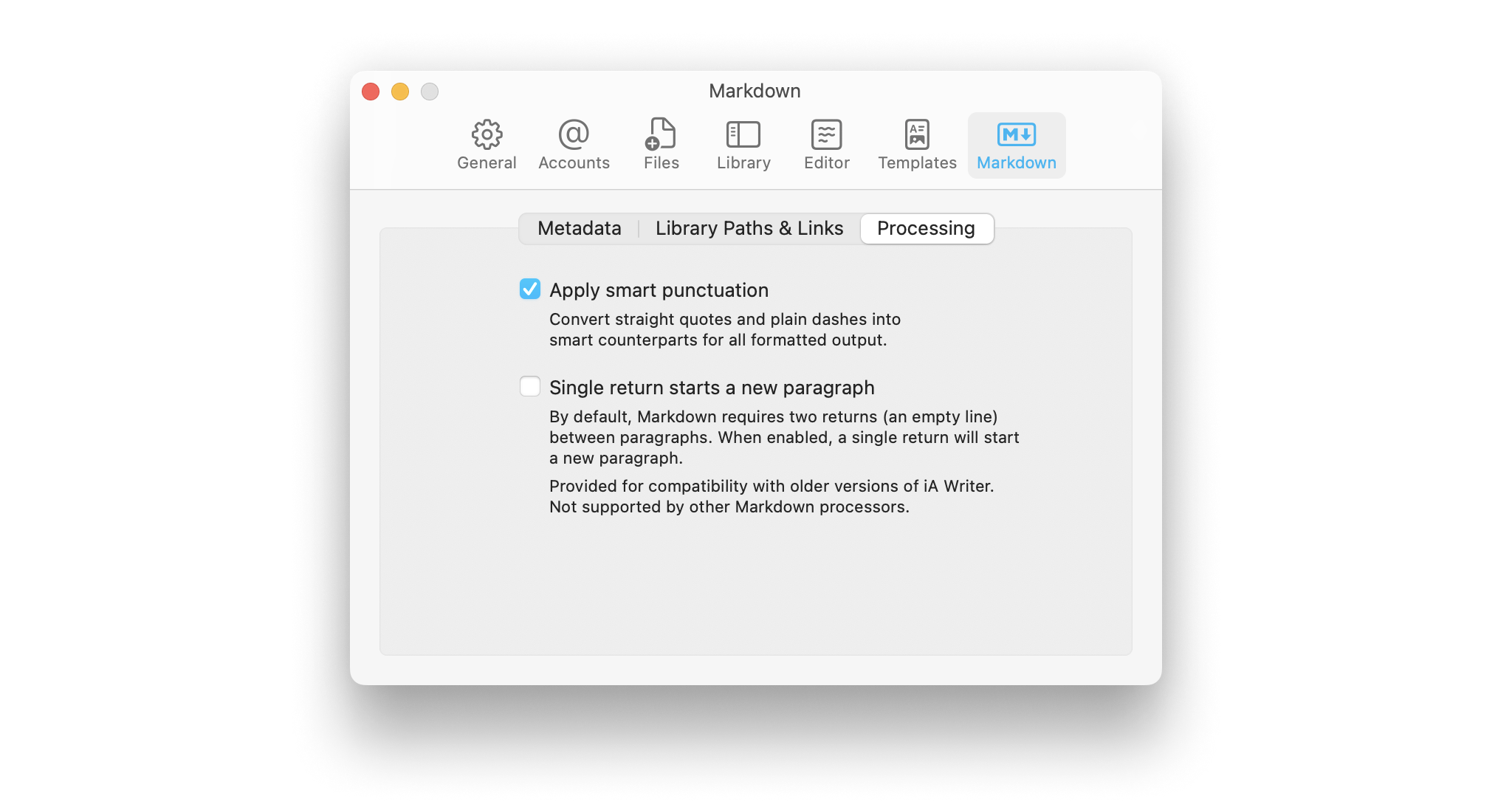
Auto text completion and transformation: focus on your writing, without getting bogged down by minor details.