Style Check

Style Check for Windows is like having a personal editor-in-chief on your device, carefully reviewing your text for redundancies, clichés, and filler words as you type.
Important points about this feature:
- only you see words being crossed out (the striken text won't appear in Preview or export)
- no deletions occur unless you choose to manually remove/replace suggestions
- your text stays private and on your device (never sent to an internet service for review)
- there is no AI and it doesn’t steal your texts
Style Check is currently available for English, French, and German. It will cross out:
- fillers (
basically,pretty much,sort of) - redundancies (
basicfundamentals, combinetogether, falldown) - clichés (
against all odds,brass tacks,long and short of it)
For more details about Style Check, you can read this introduction blogpost: The Power of Style Check.
Enable Style Check
Style Check settings are found found in the Focus menu.
You can fully enable Style Check (including fillers, redundancies, clichés, and custom patterns) or just some of elements.

We spent a lot of time developing this feature and we are still improving it regularly.
However, users may feel the need to tailor Style Check to their own writing style. This is where Custom Patterns can help.
Custom Patterns
Custom patterns allow you to create exceptions or new rules for Style Check.
To create a custom pattern, go to Settings → Style Check
Here is an example of adding an exception for the filler "as well as":

Custom Patterns Syntax
For your information, here is the syntax for creating Custom Patterns. You don't need to memorize this as you can find all of these in the Help Section of iA Writer.
Add a Rule
filler
custom ~~filler~~
Provide an Exception
Exceptions affect both custom and built-in patterns.
-filler
-custom ~~filler~~ exception
Regular Expressions
You can use regular expressions by enclosing a pattern in slashes:
/custom ~~filler~~ reg(exp?|ular expression)/
-/reg(exp?|ular expression) exception/
| Feature | Notes |
|---|---|
Character classes [a–c0-9] |
Supported, limited to ASCII |
Negated [^a] |
Ignored |
Optional a? |
Supported |
Escaped \\. |
Supported |
a* b+ c{2,} d{3,15} |
Limited to 10 repetitions |
| Lazy matches | Undefined behavior |
| Greedy matches | Undefined behavior |
Alternation | |
Supported |
Octal characters \\0ooo |
Supported |
Any character . |
Ignored |
Word character \\w |
Undefined behavior |
Non-word character \\W |
Undefined behavior |
Anchors ^ $ \\b \\B \\A \\Z \\z \\G |
Supported |
Capturing parentheses (…) |
Supported |
Backreferences \\1 |
Supported |
Named capture groups (? |
Supported |
Named backreferences \\k |
Supported |
Non-capturing parentheses (?:…) |
Supported |
Comments (?#…) |
Supported |
Lookahead (?=…) |
Ignored |
Negative lookahead (?!…) |
Ignored |
Lookbehind (?<=…) |
Ignored |
Negative lookbehind (? |
Ignored |
Atomic match (?>…) |
Non-capturing parentheses |
Expression modifiers (?id-id:…) |
Ignored |
Mode modifiers (?id-id) |
Ignored |
Modifiers /…/id-id |
Supported |
| Modifiers | Notes |
|---|---|
Case insensitive matching i |
On by default |
Diacritic insensitive matching d |
Off by default |
Note that only a subset of regular expression features is supported to avoid slowing down editing.
 Editor
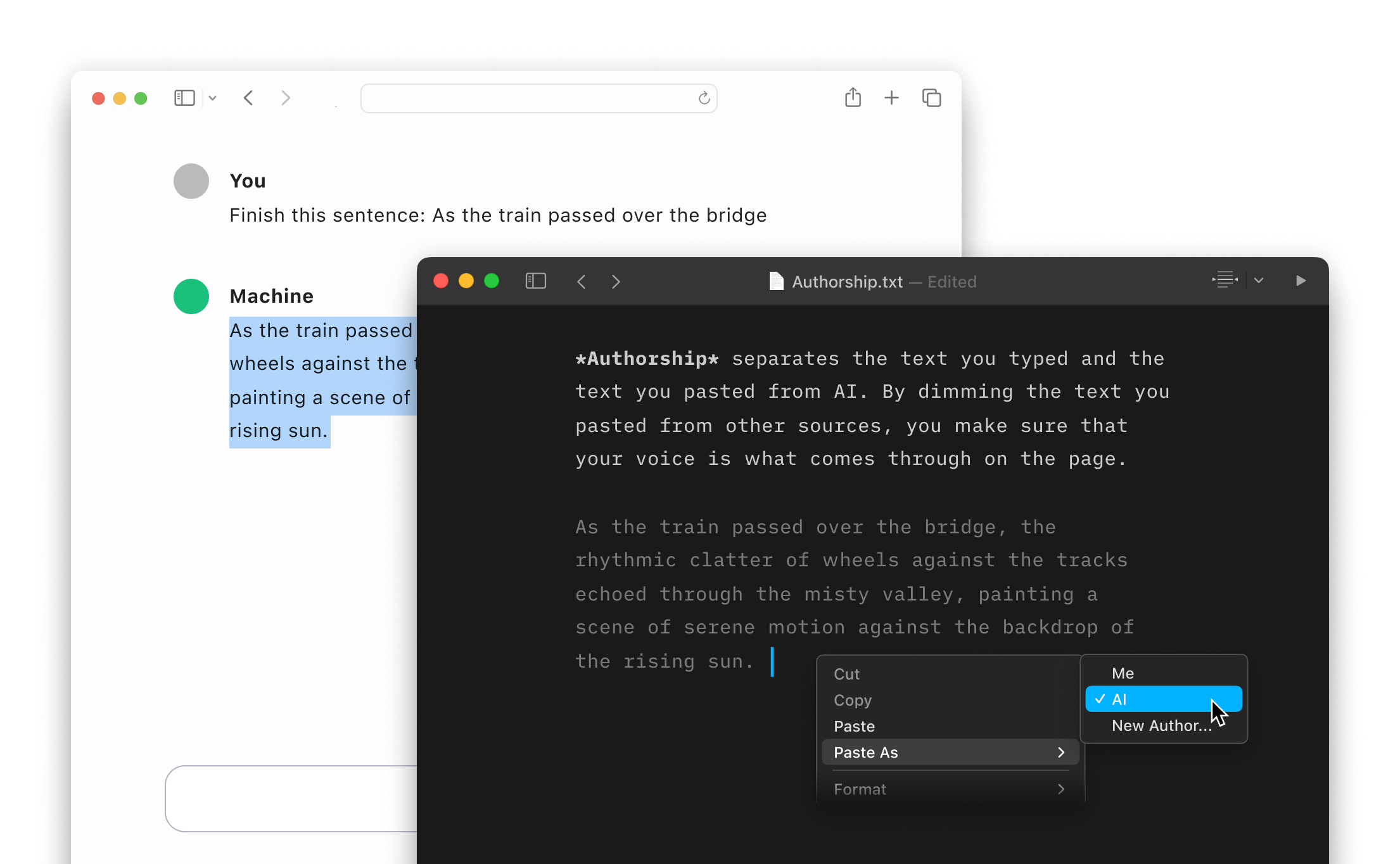
Authorship
Highlight the text you craft yourself and keep track of your sources, artificial or natural.
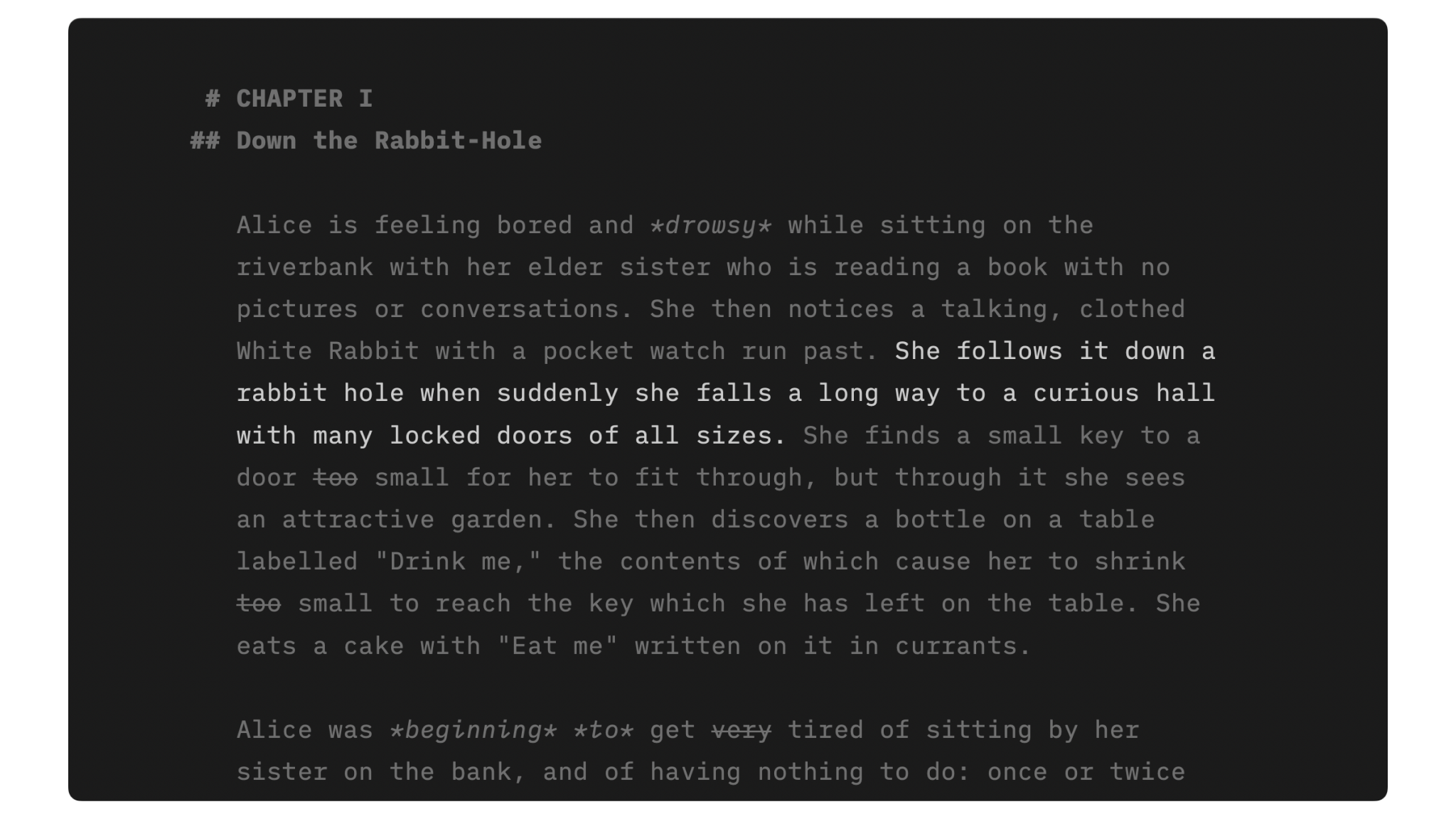
Focus Mode
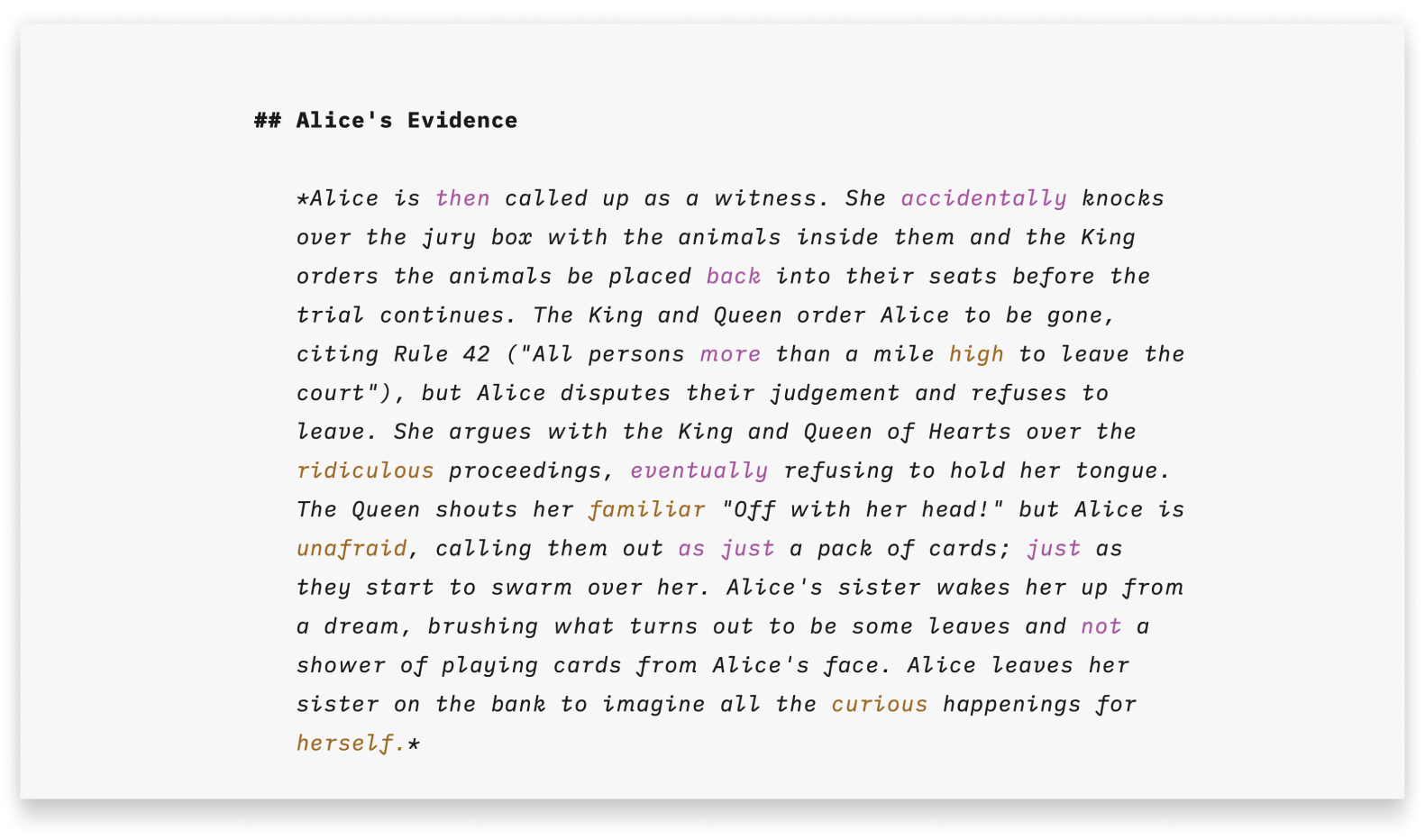
Syntax Highlight
A more structured view of your document will help you improve your writing style.
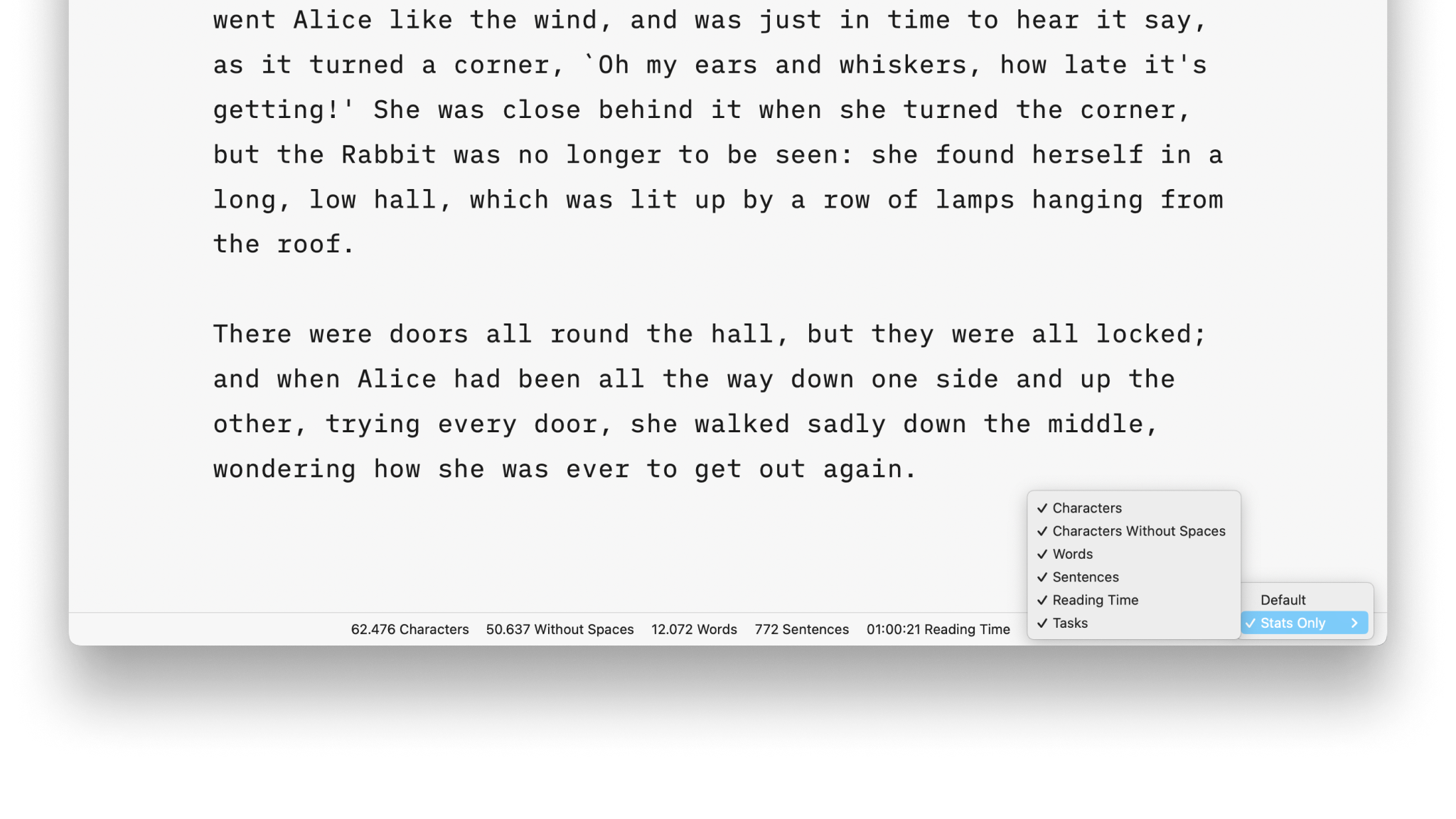
Stats

Metadata
A simple key-value format for storing additional information about a document, only visible in the Editor.
Smart Automation
Auto text completion and transformation: focus on your writing, without getting bogged down by minor details.