Syntax Highlight
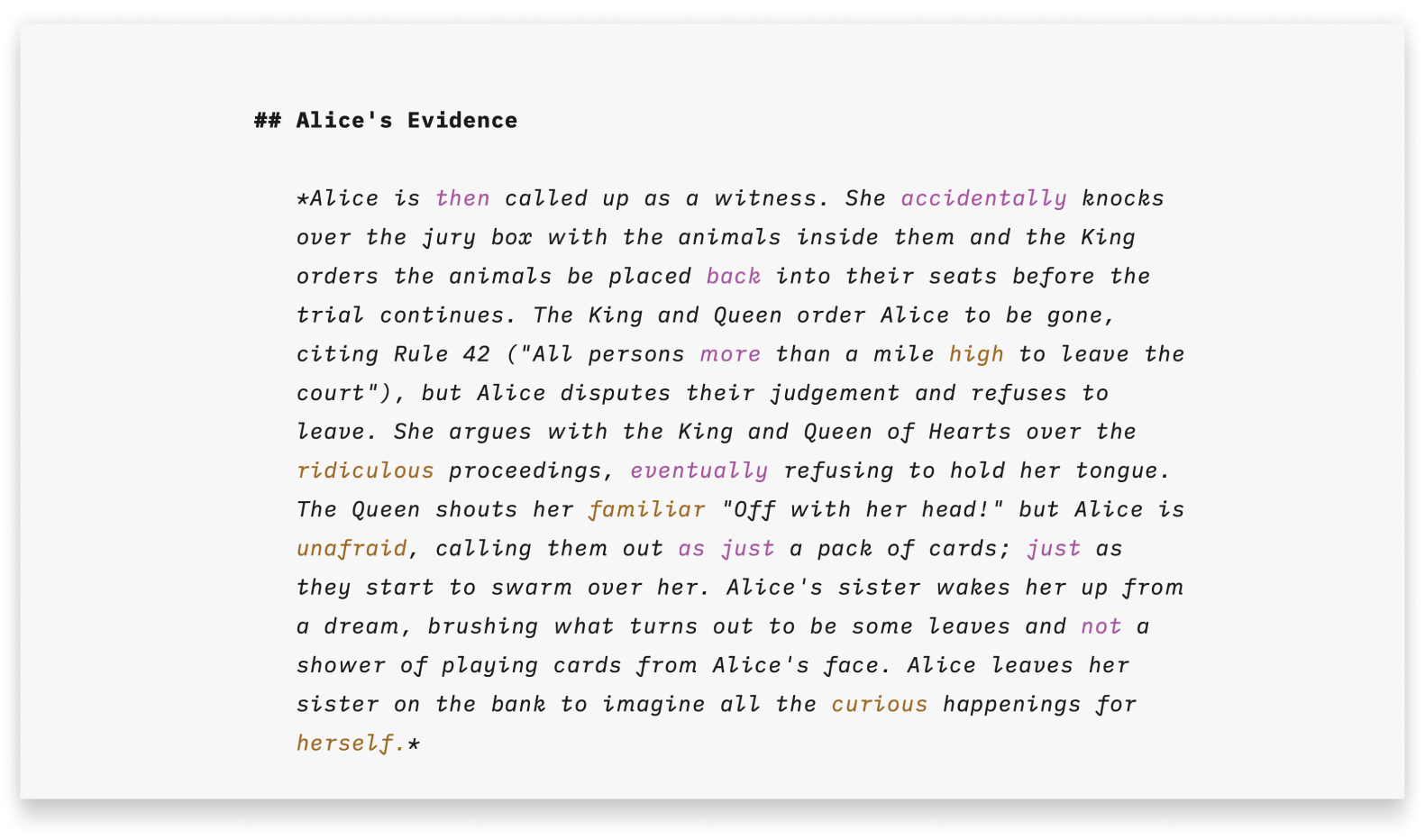
Syntax Control on Windows offers an organized perspective of your document and can help refine your writing style.
This feature applies diverse colors to various parts of speech to make them stand out:
- Adjectives in brown
- Nouns in red
- Adverbs in purple
- Verbs in blue
- Conjunctions in green
You can then easily identify instances of repetition or awkward phrasing.
Syntax Control does not modify your content in any way, and the highlighted parts of speech will not be visible in Preview, exported or printed documents. This feature is visible in the Editor only.
What For
Foreign language teachers love it, and so do writers who understand the power of parts of speech. Syntax Highlight is a pro tool that helps you refine your style by drawing attention to:
- Adjectives and adverbs: Spot overuse and cut back for sharper writing. Kill the monsters.
- Repetitive nouns: Too much repetition makes text feel dull. Repeat nouns consciously.
- Conjunctions: Expose weak links and ensure they follow clear logic. Conjunctions seem harmless but they can ruin your text.
- Weak verbs: Phrases like “to be” often signal passive voice or nominal style. "To Be or Not to Be" is not the question: Pump up the Jam!
We’ve written a full article on the parts of speech you can spot with Syntax Highlight. It is packed with advice from great authors, practical examples, and tips for applying this feature to your own work. Take 5 minutes to read and improve your style: Using Parts of Speech to Improve Your Writing.
Enable Syntax Control
You can enable Syntax Control from the Focus menu:

Parts of Speech
You can specify which parts of speech are highlighted by selecting/deselecting options (a check mark will appear).
In the example ajectives, verbs, and conjuctions have been enabled.

Languages
iA Writer for Windows supports Syntax Control for English.
If your document contains non-English text, you may see the following warning dialog box at the bottom of the Editor:
The language of the current file does not seem to be supported by Syntax Control.

Working With Syntax Control
There is no right or wrong way to work with this feature, but from the user's feedback, it seems that enabling Syntax Control during the editing phase is the most common. Of course, you can keep it ON at any time in your writing process.
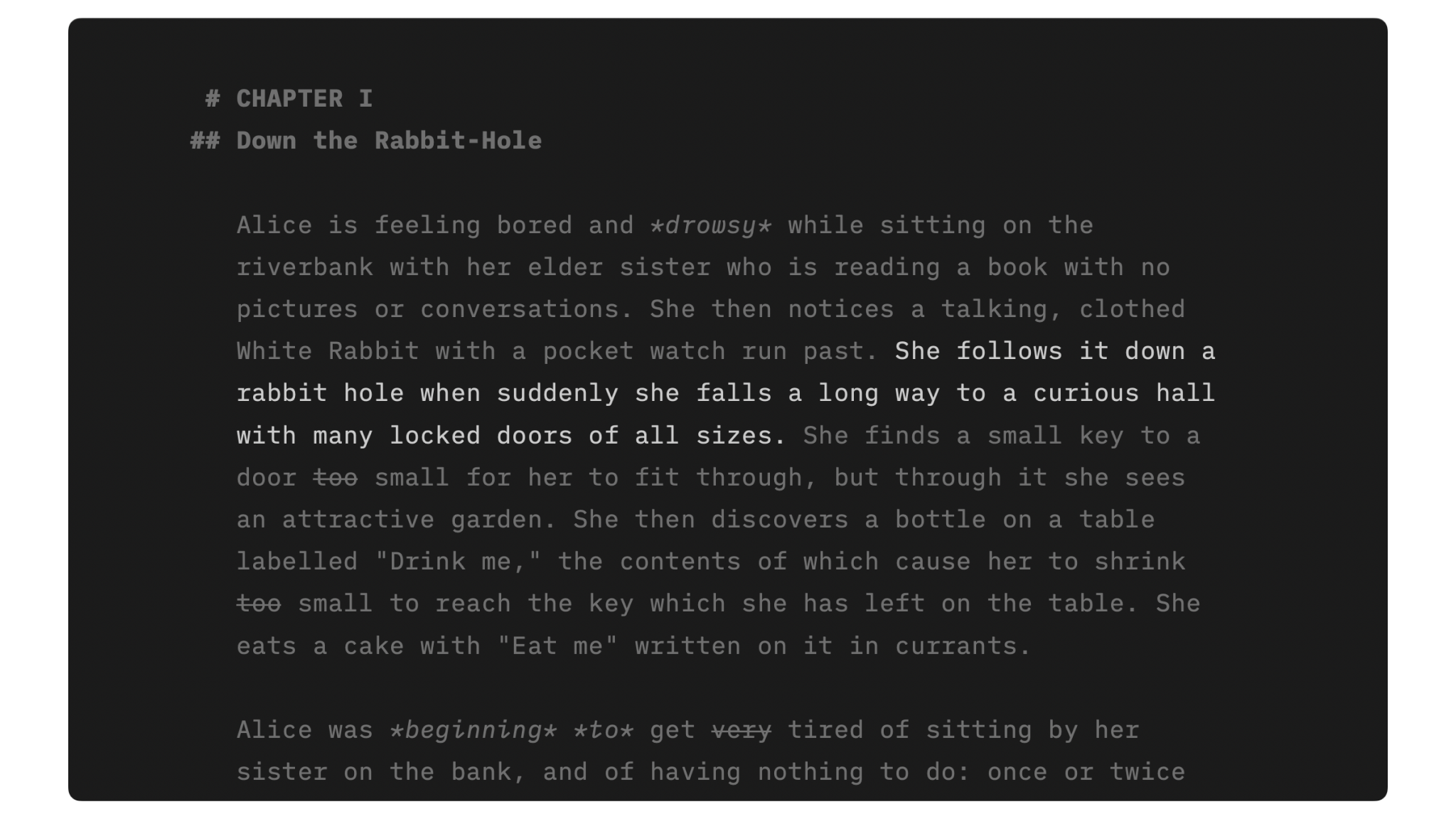
Syntax Control pairs effectively with Focus Mode, helping you grasp the structure down to the sentence level:

A similar feature that can be activated concurrently is Style Check, pointing out fillers, clichés, and redundancies.
For further tips on how to write, you can check those various blog posts from our website, grouped in our Writer How To.
 Editor
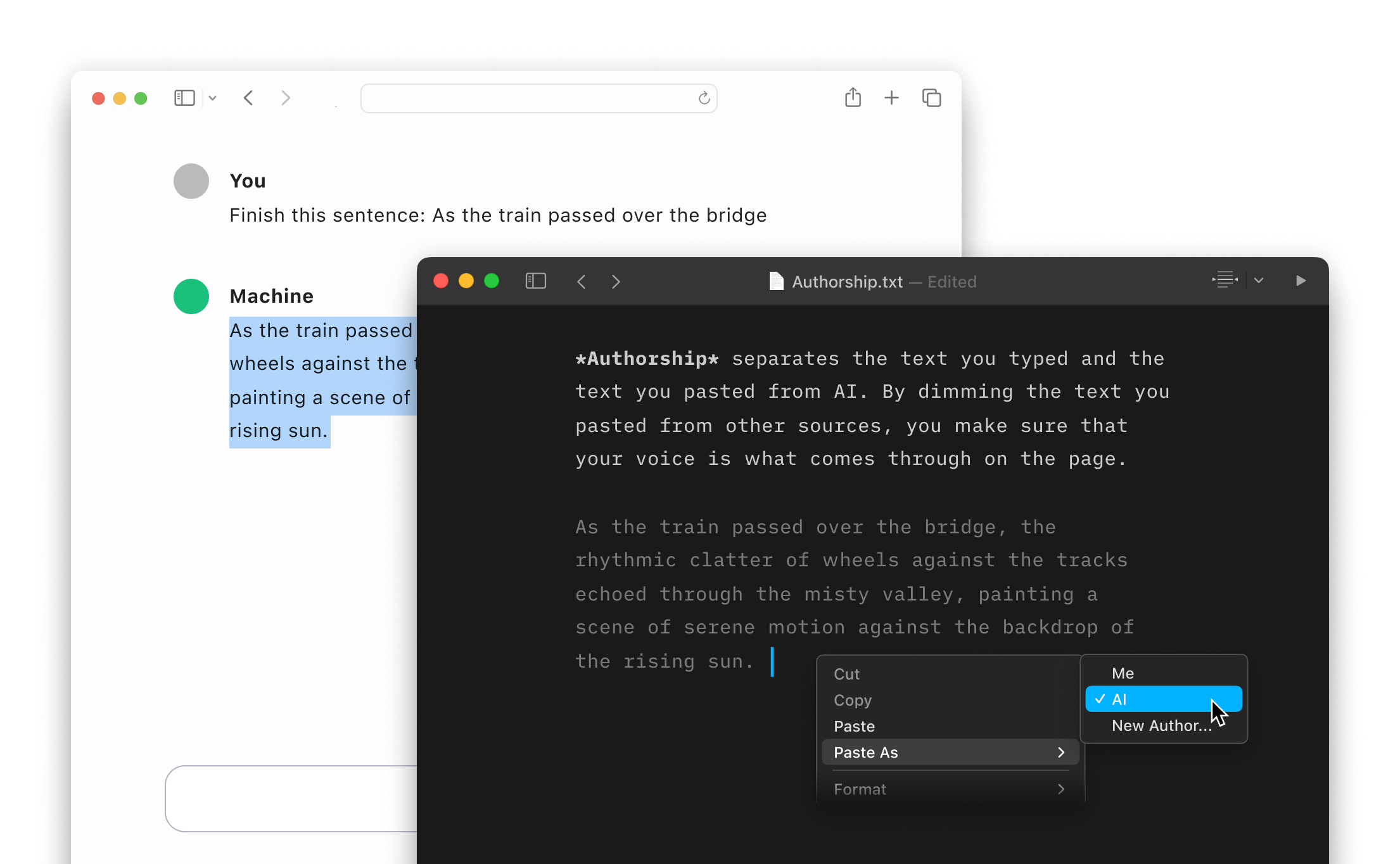
Authorship
Highlight the text you craft yourself and keep track of your sources, artificial or natural.
Focus Mode
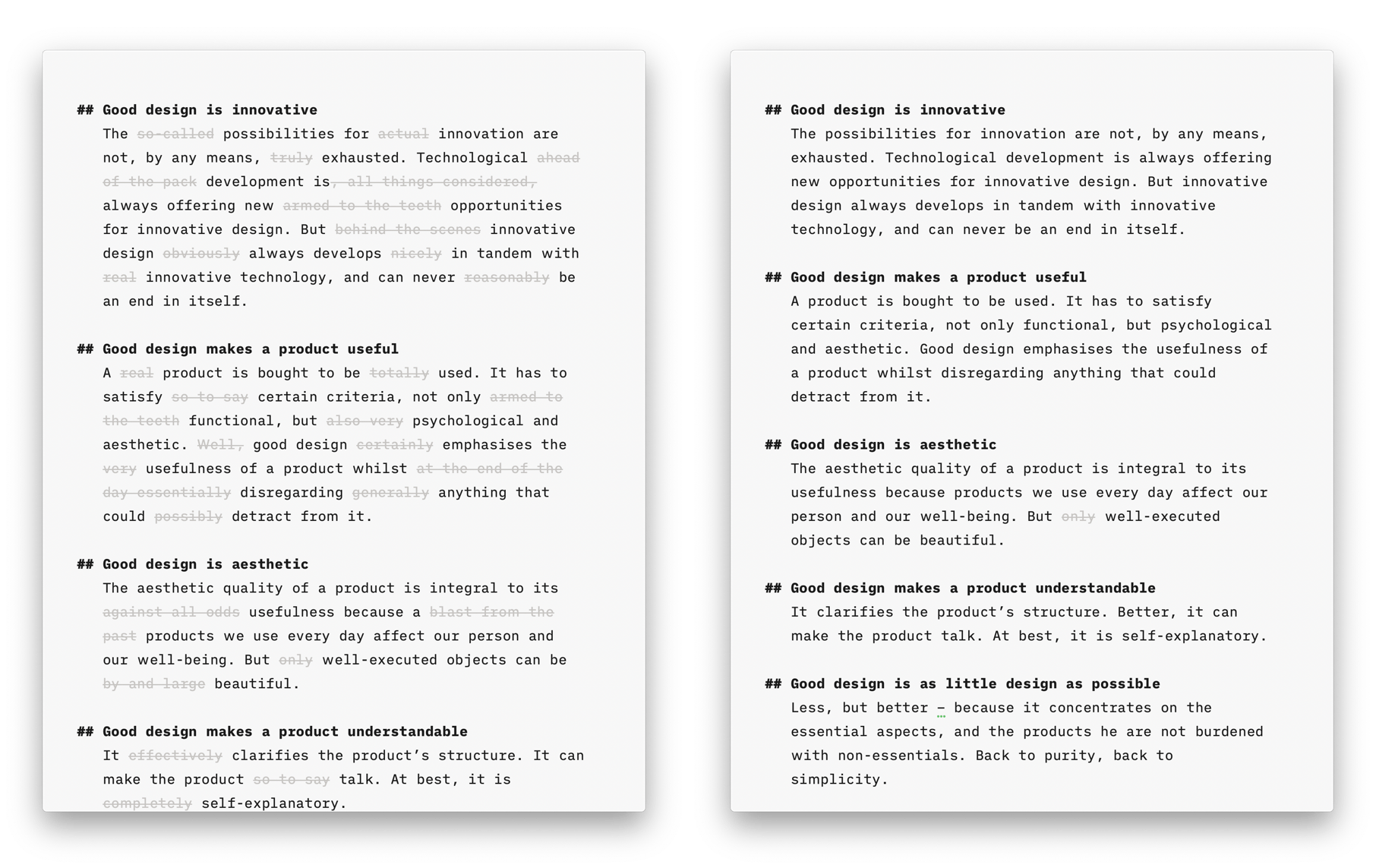
Style Check
A personal editor-in-chief on your device, carefully reviewing your text for redundancies, clichés, and filler words.
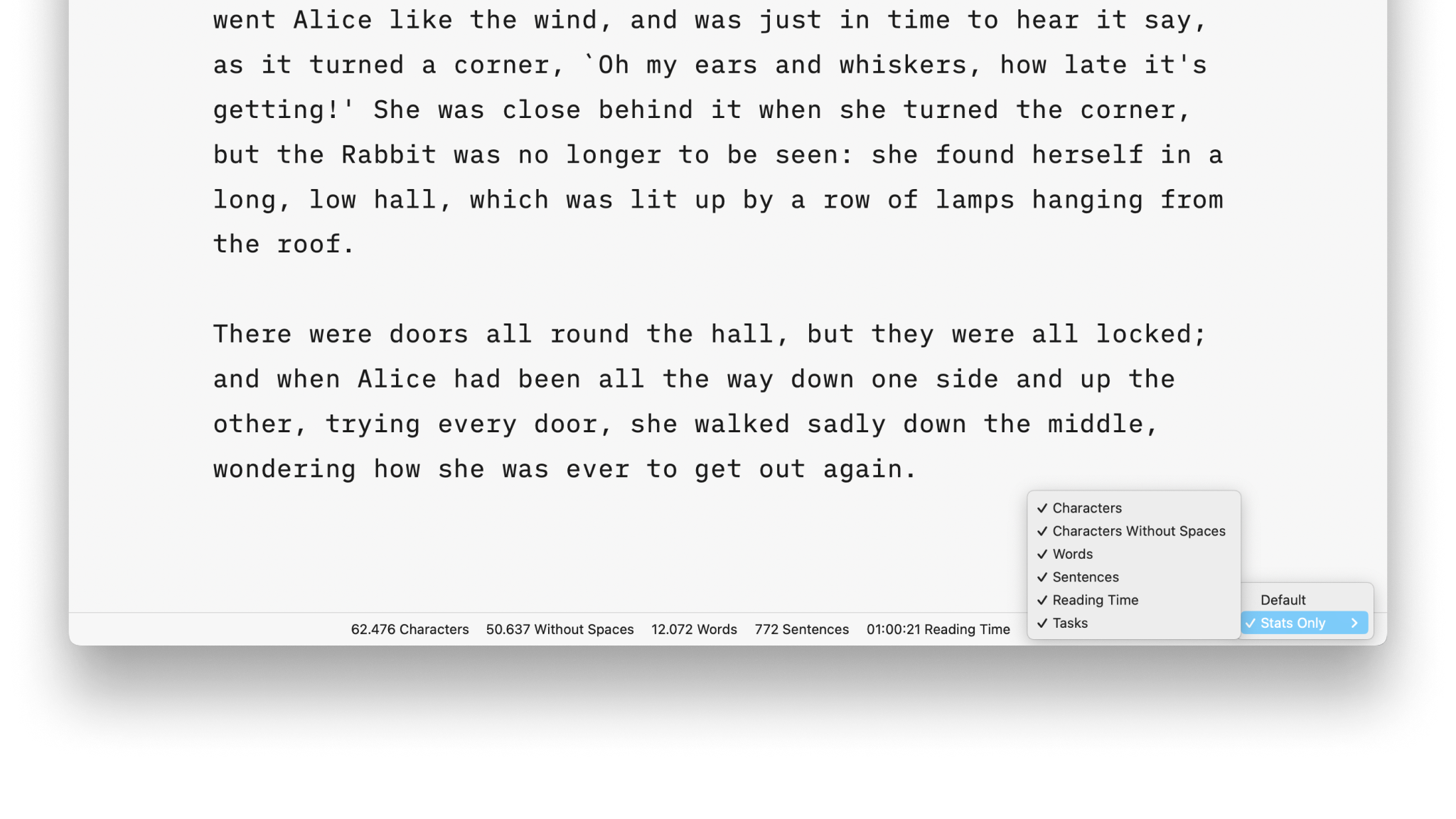
Stats

Metadata
A simple key-value format for storing additional information about a document, only visible in the Editor.
Smart Automation
Auto text completion and transformation: focus on your writing, without getting bogged down by minor details.