Organize Your Files

While the organization of your files and folders in Cloud Storage will be managed by those ones, you can easily manage the organization of your files in Device.
Create Folders
Within Device, select the 3 dots button on the top-right then Add New Folder.
Once the folder is created, long-press any document from Device that you would like to move there.
The document will have a check mark on its left and you can open a context-menu by clicking the 3 dots on the right.
Among others, you will have the option to Move the document to existing folders.
Sort Files
Within Device or within a folder, select the 3 dots button on the top-right.
You will have the choice to Sort By
- Name
- Date
- Size
You can sort your files from A to Z or Z to A
 Library
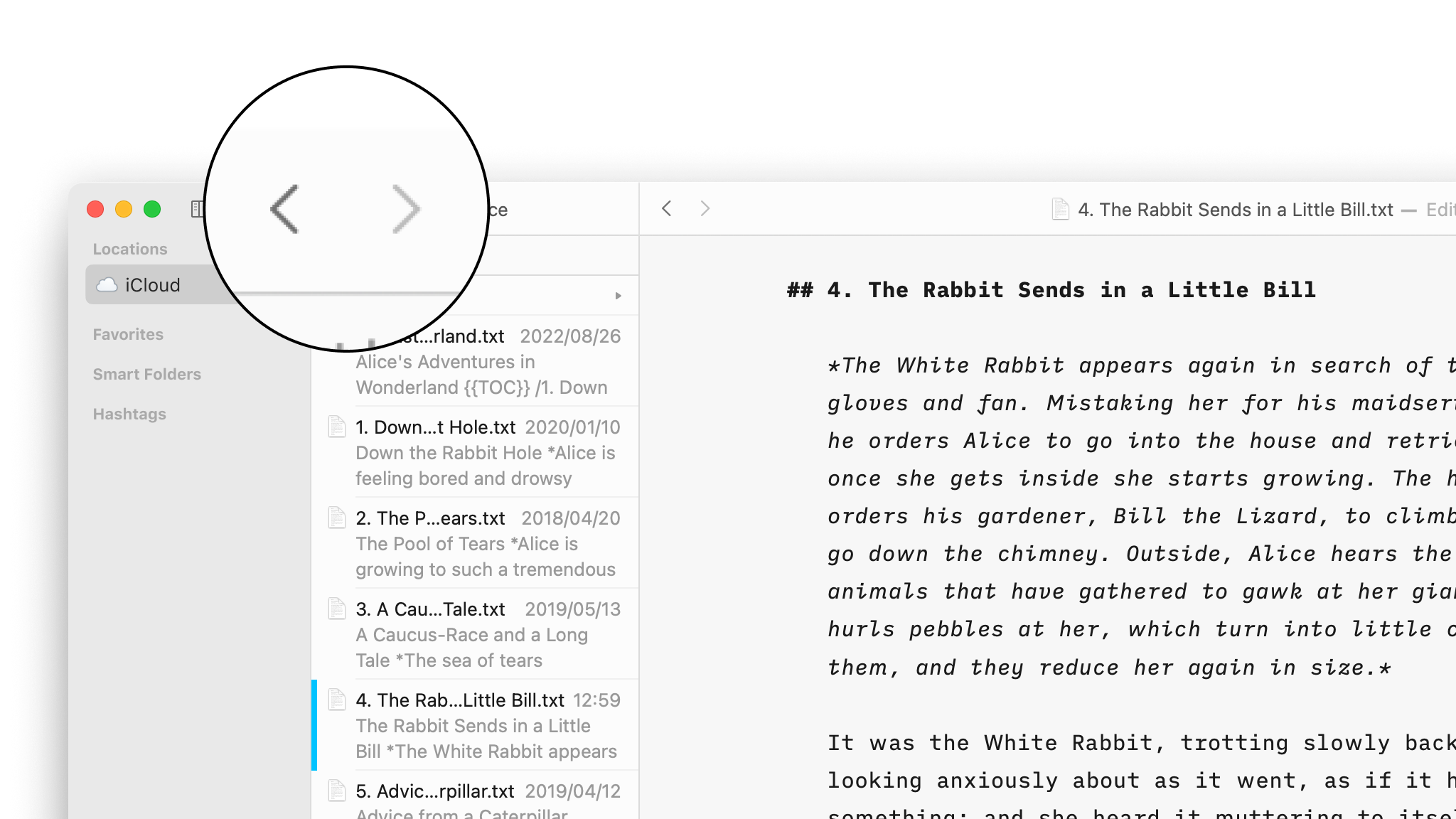
Navigate Your Files
Create, search and navigate through your documents in the Library.
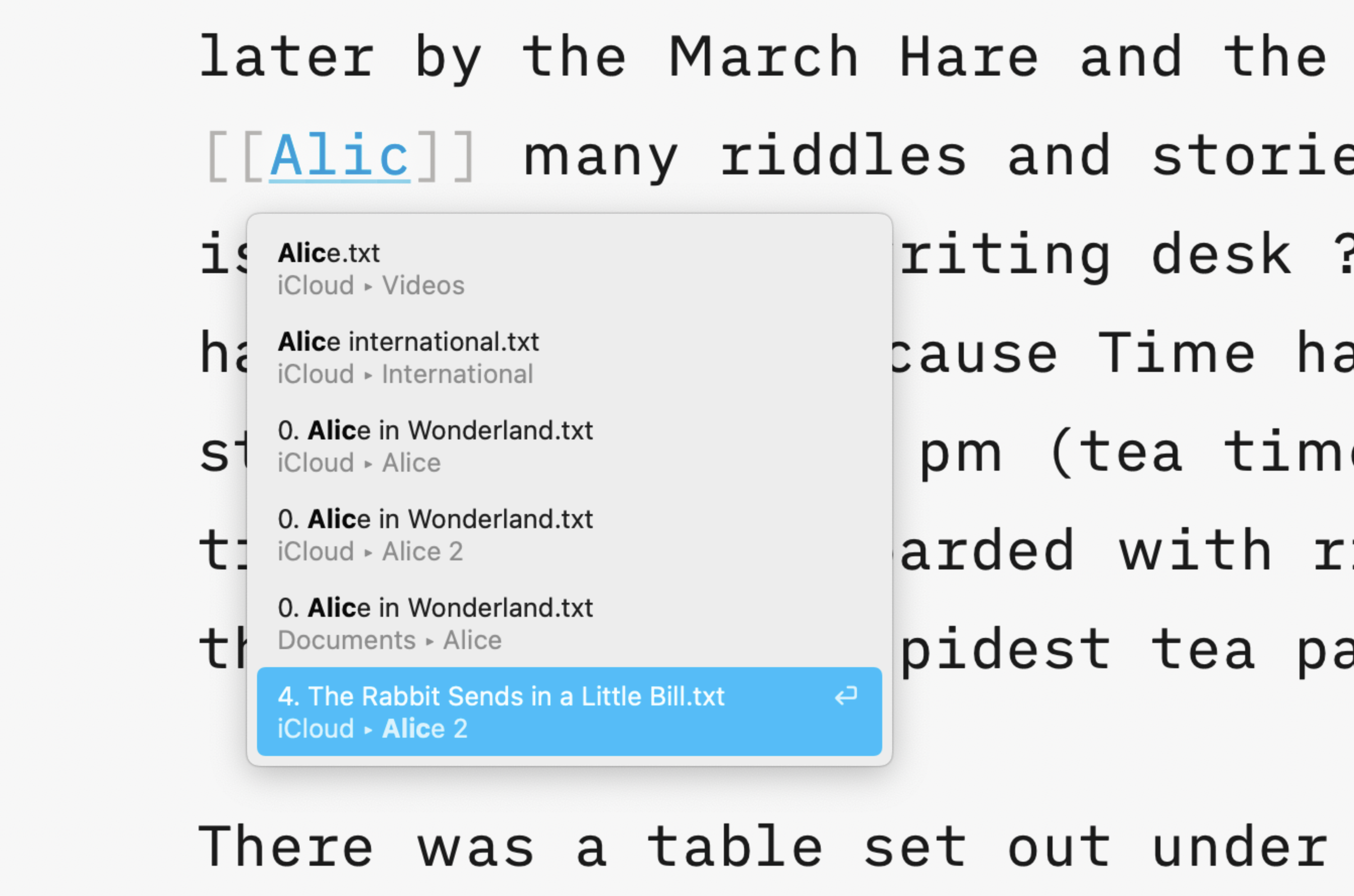
Wikilinks
Connect, browse, and rediscover your writing.
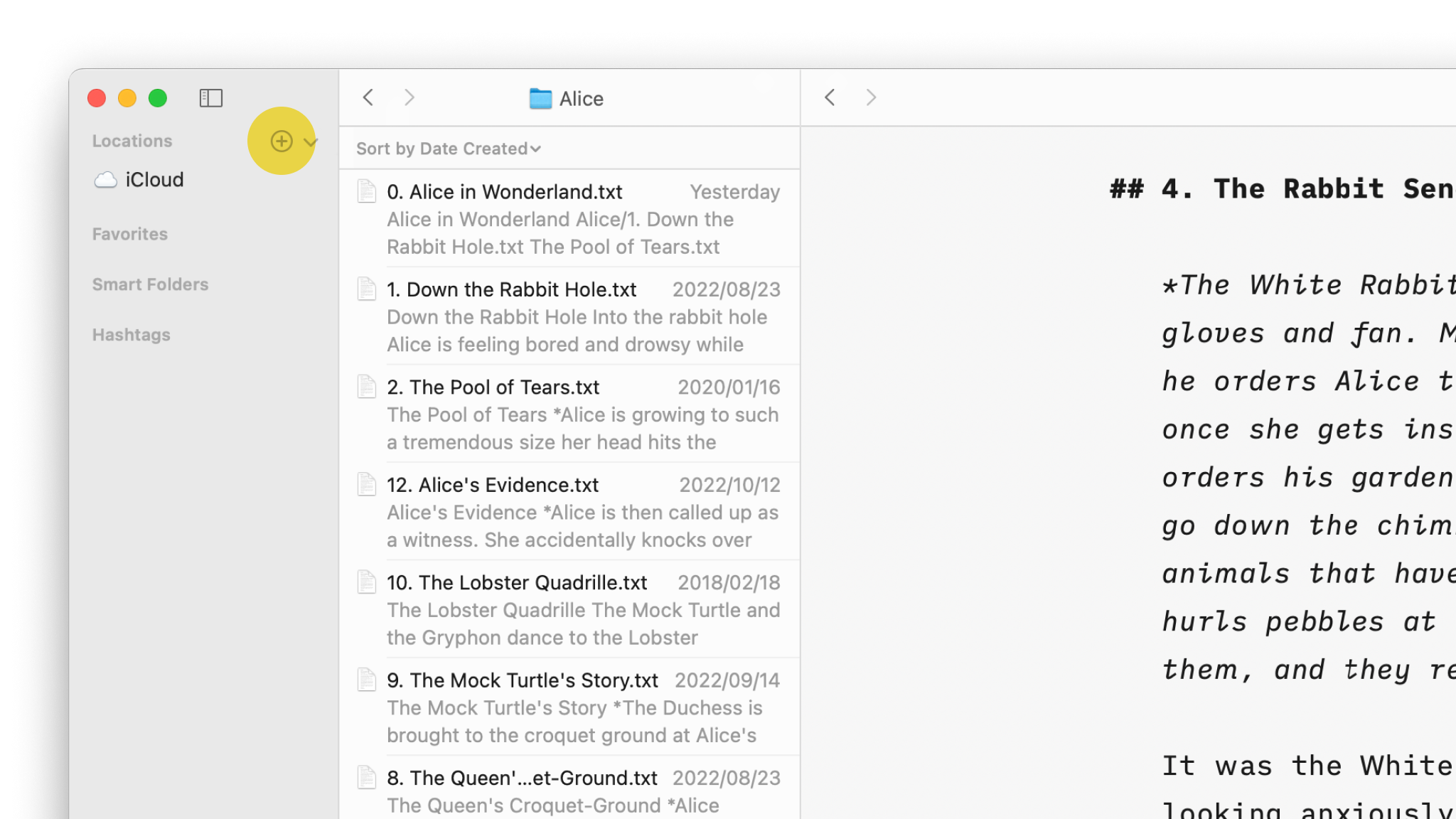
Cloud Storage
Having access to your documents on multiple devices makes life easier.

Content Blocks
Include images, comma separated tables, text files and code as blocks of content in your documents.
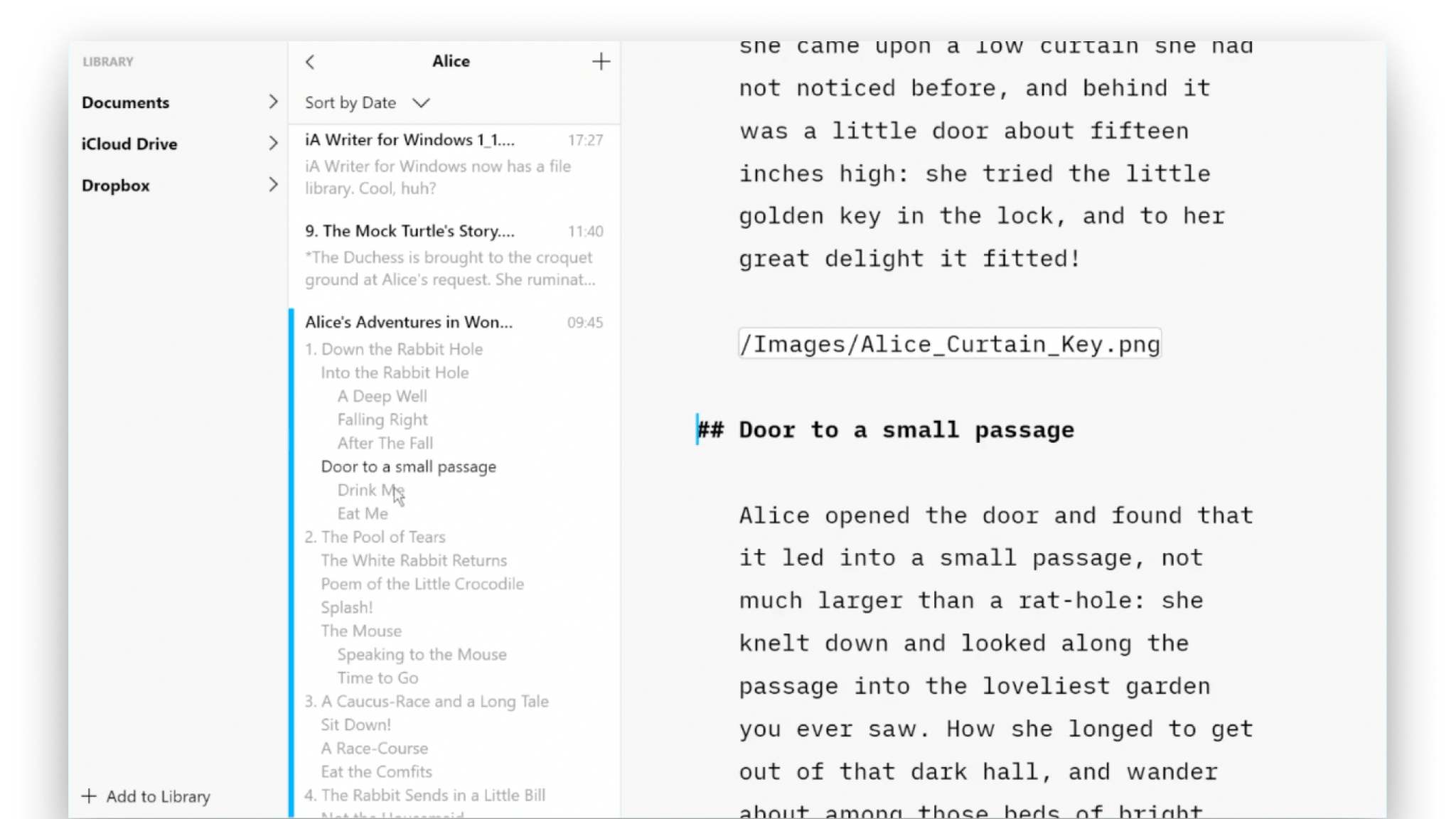
Outline
Writer for Windows comes with two powerful features for working with long or complex documents.