Organize Your Files

You can create, add and sort folders in the Library to organize your documents in iA Writer for Windows.
In the Organizer
You can add any file or folder from your PC to the Library, including those from iCloud Drive for Windows, Dropbox, or Google Drive.
To do so, you have 2 ways:
- Click the + Add to Library button (bottom left) and choose to add a file or folder
Drag the file or folder straight from File Explorer or the File List in iA Writer’s own Library

Right-clicking any item in the Organizer pops up a contextual menu allowing you to remove the item or browse its backups.
In the File List
The File List shows all the folders and files stored in the selected storage Location (iCloud for example).
Files and folders can be moved to, from, and within the Library by dragging them.
Right-clicking on a document in the File List opens a contextual menu allowing you to delete, rename, move, etc... a document.
You can also create a new folder in the currently shown folder through this menu.
 Library
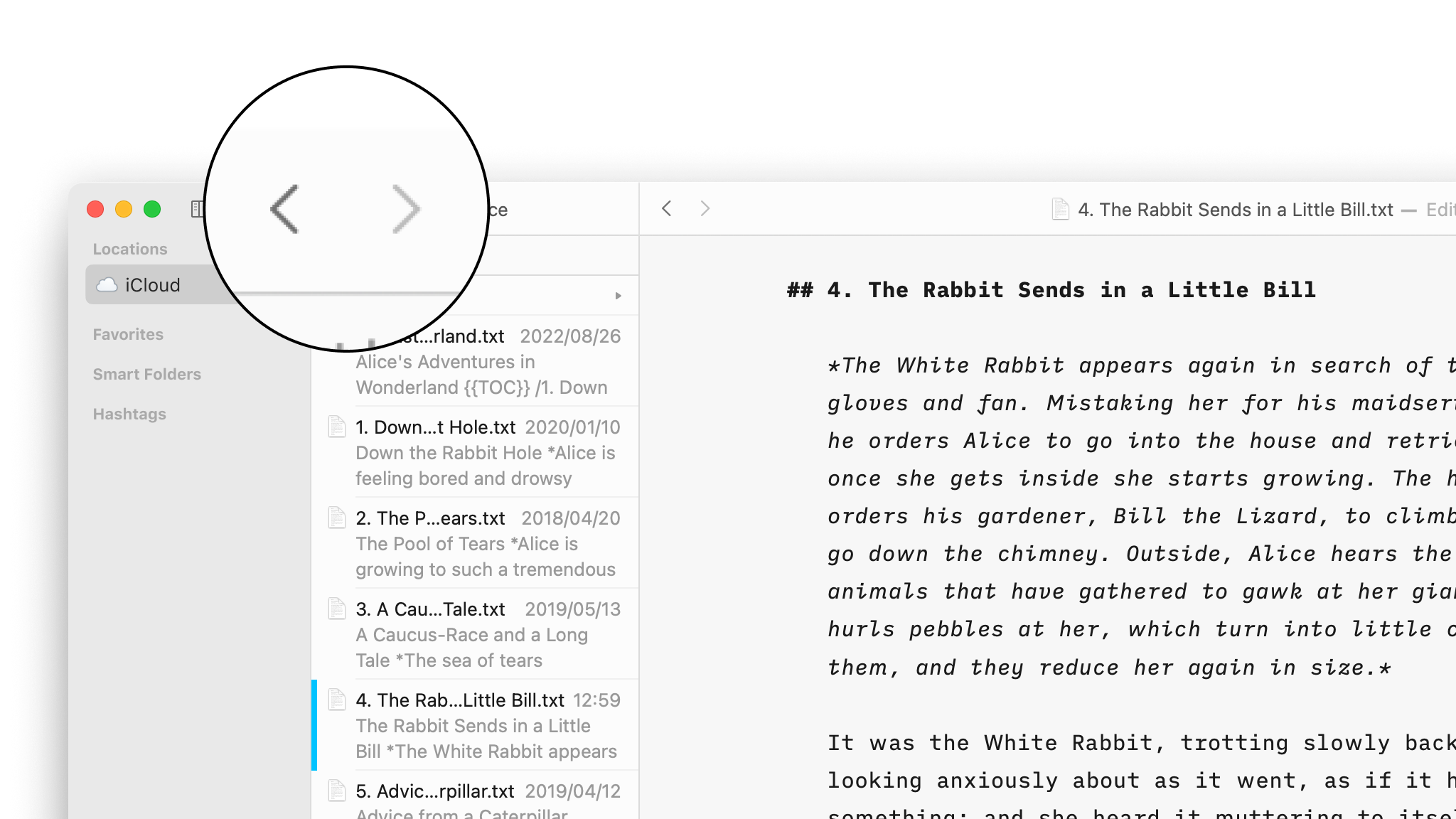
Navigate Your Files
Create, search and navigate through your documents in the Library.
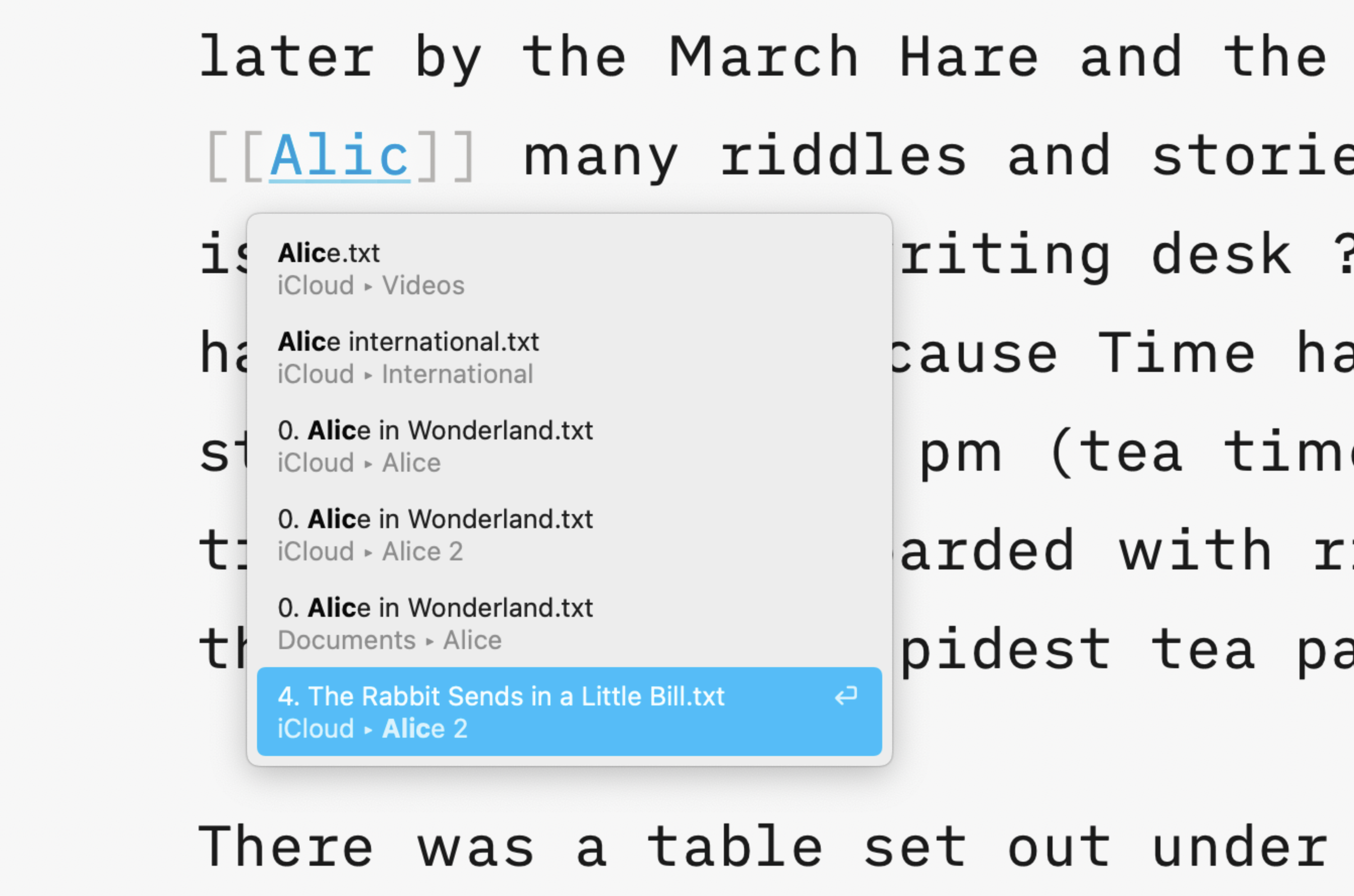
Wikilinks
Connect, browse, and rediscover your writing.
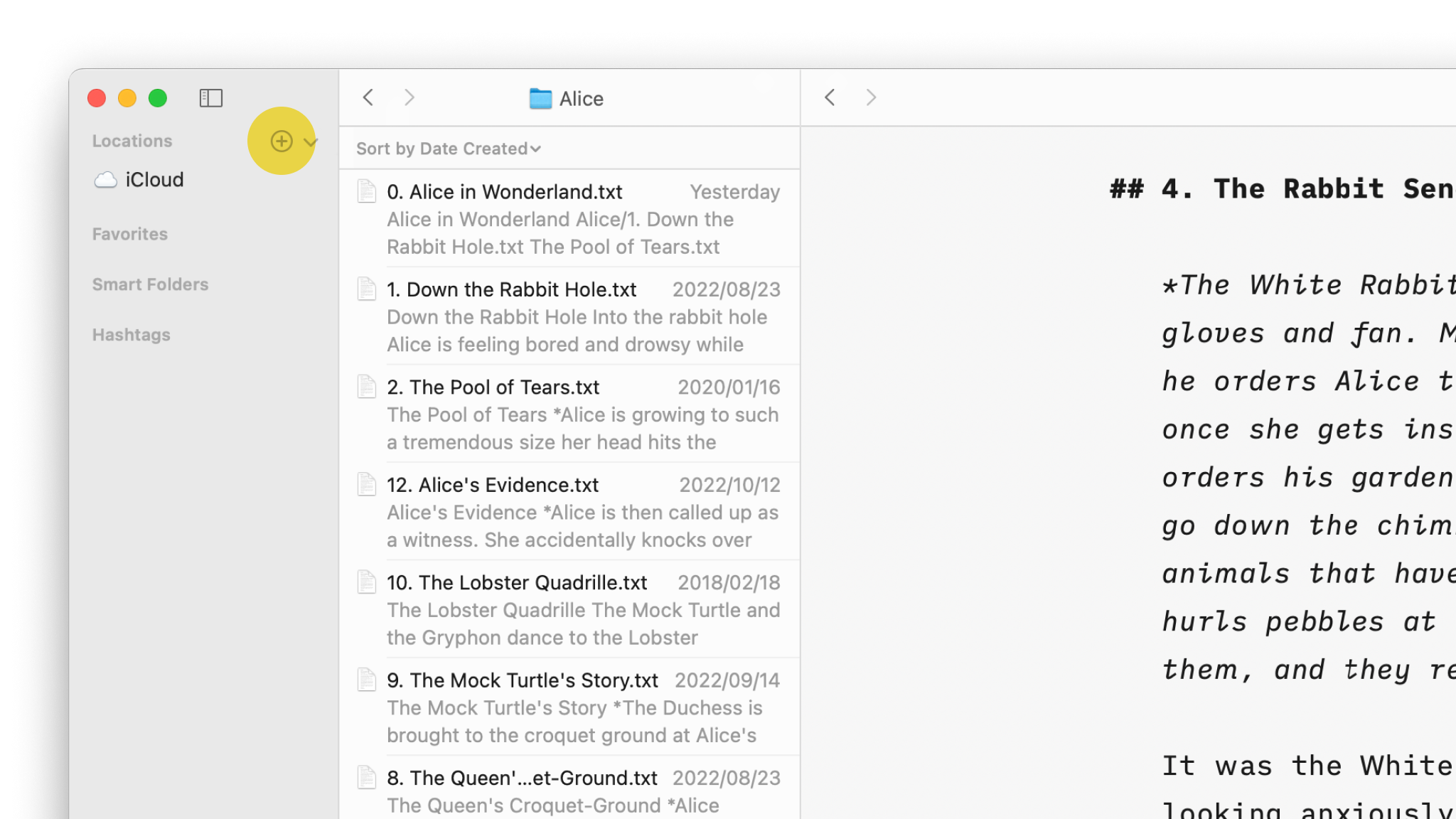
Cloud Storage
Having access to your documents on multiple devices makes life easier.

Content Blocks
Include images, comma separated tables, text files and code as blocks of content in your documents.
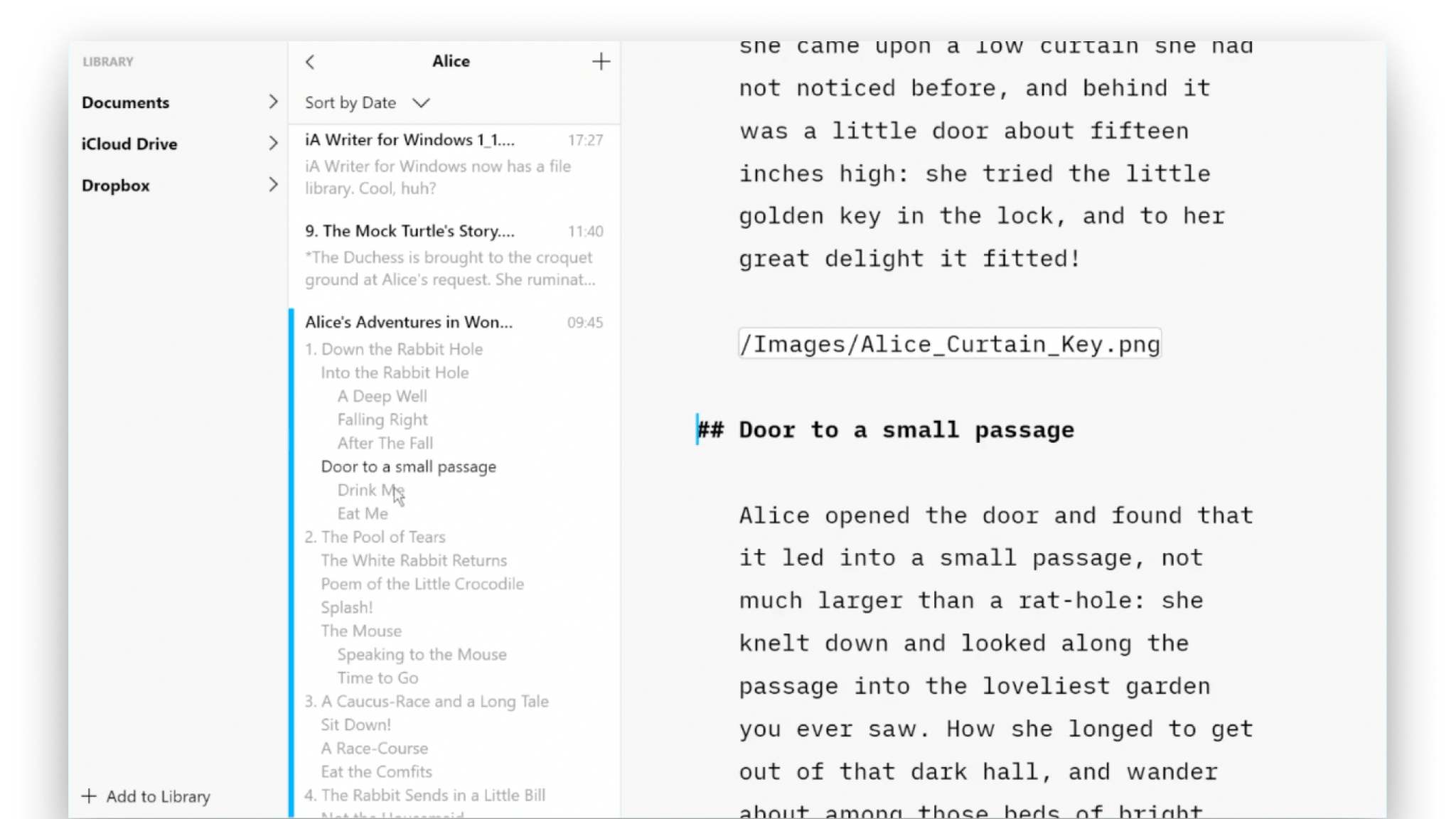
Outline
Writer for Windows comes with two powerful features for working with long or complex documents.